
Refactoring for classes in PhpStorm 6: Move Class

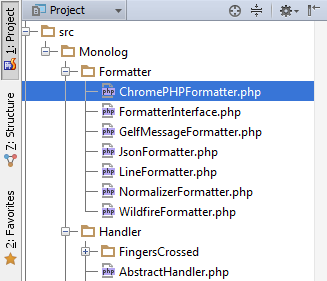 Moving code around is an essential part of application design and maintenance, but it may become a tedious task in modern code utilising namespaces and the PSR0 file layout convention.
Move Class refactoring is a reliable tool that will remove the burden of maintaining project consistency and allow you to use move as a simple atomic action, allowing you to keep your focus on the design decisions, that is especially important as a part of complex high-level refactorings.
To invoke this refactoring, place the caret on the target class and press F6 (or select Refactor | Move…):

The Move Class dialog appears:

Here you should update the namespace name. Target directory field will be changed automatically:
If you want to change the namespace for the class but don’t want to move file to another directory, disable the checkbox ‘Move class to a new file.’
That’s it! All references to the class will be updated with auto-imports where possible and with fully qualified names otherwise.
Here’s see the result of the refactoring:

Don’t waste your time on routine, monotonous work – leave it to your PhpStorm IDE!
Please share your feedback in the forum and report any bugs or feature requests to our issue tracker.
Develop with pleasure!
– JetBrains Web IDE Team
