JetBrains Platform
Plugin and extension development for JetBrains products.
Meet the Islands Theme – The New Default Look for JetBrains IDEs

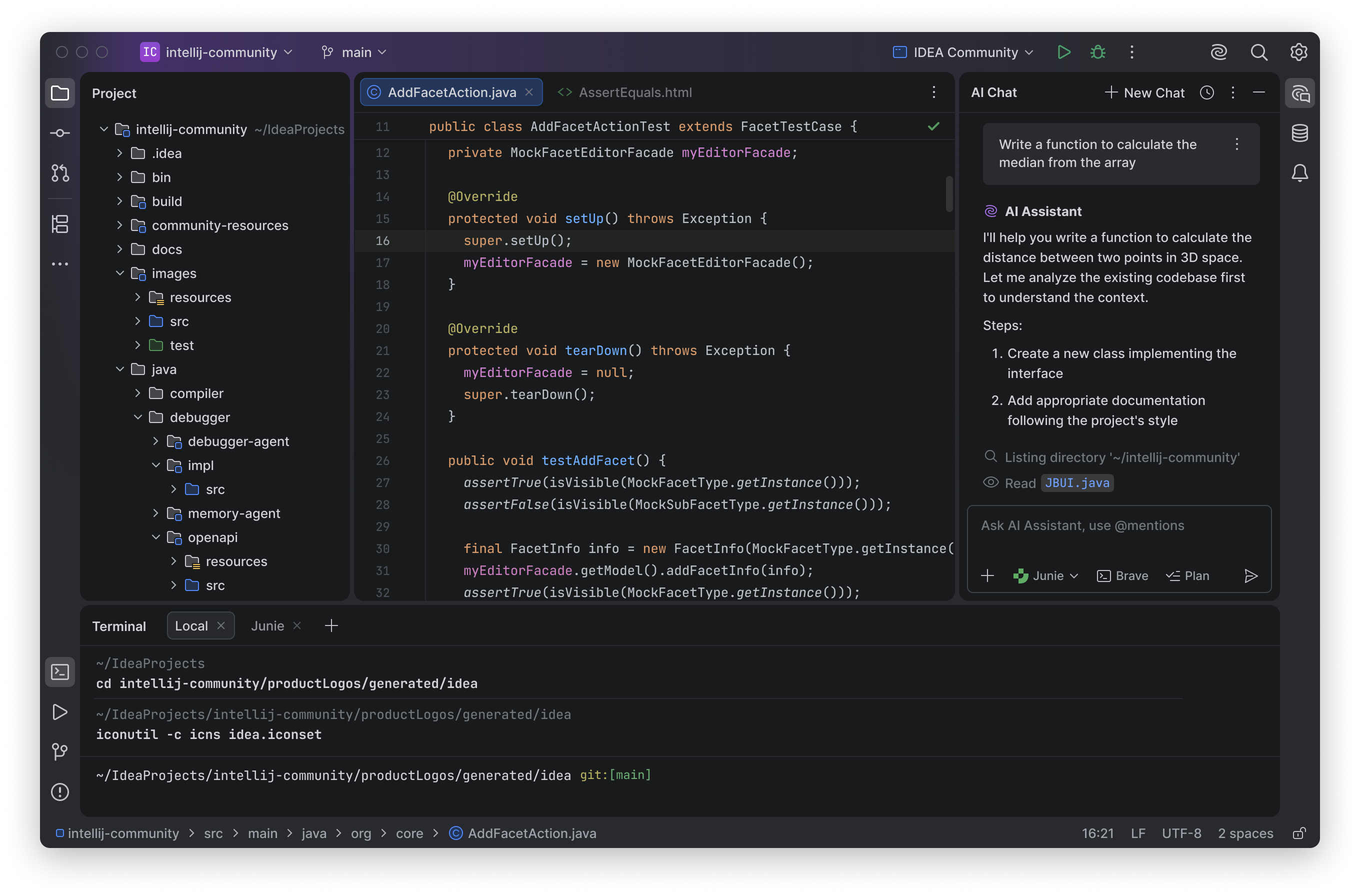
The Islands theme is now the default look across JetBrains IDEs starting with version 2025.3.
This update is more than a visual refresh. It’s our commitment to creating a soft, balanced environment designed to support focus and comfort throughout your workflow.
We began introducing the new theme earlier this year, gathering feedback, conducting research, and testing it hands-on with developers who use our IDEs every day.
The result is a modern, refined design shaped by real workflows and real feedback. It’s still the IDE you know, just softer, lighter, and more cohesive.
Let’s take a closer look. Literally.
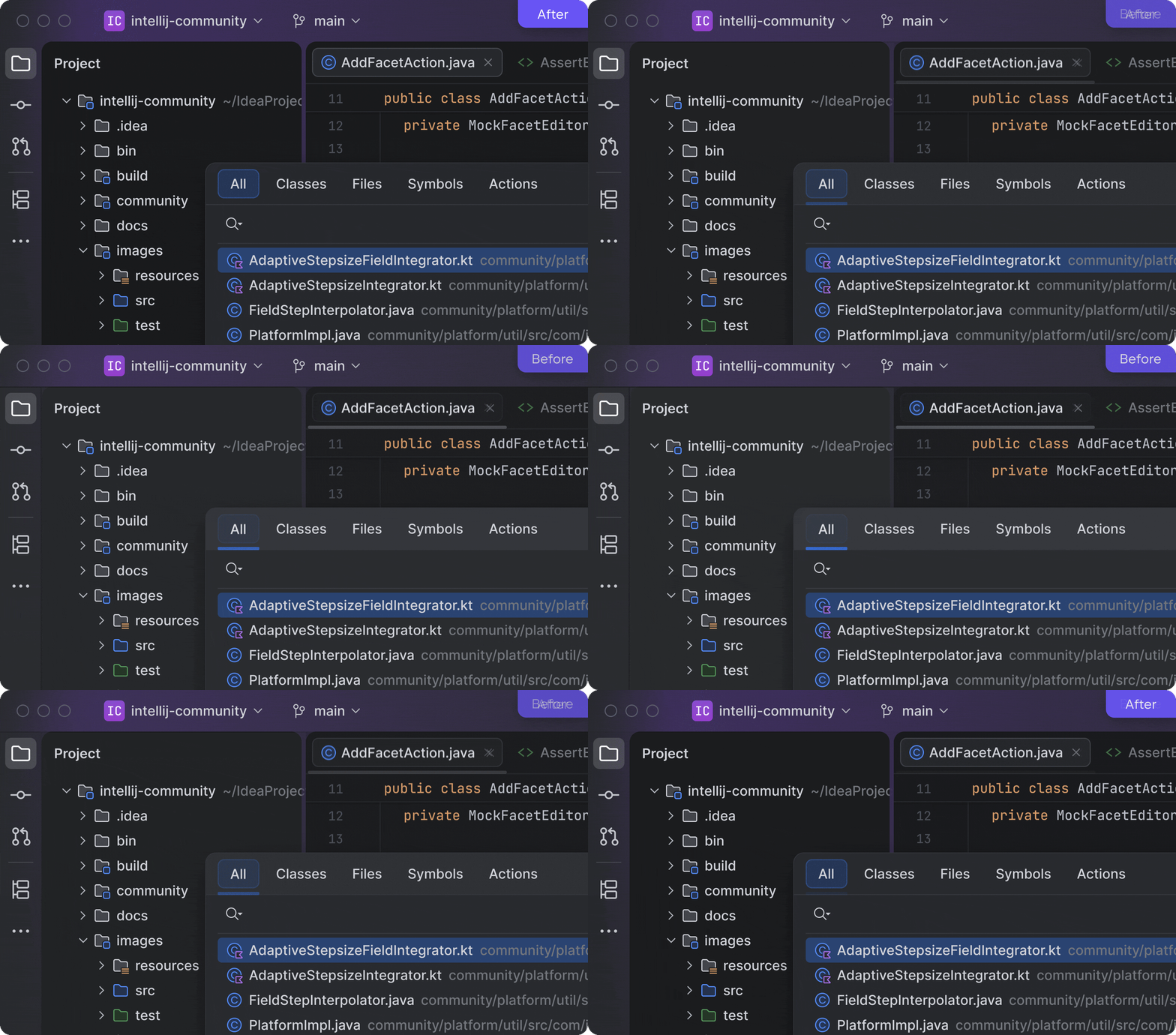
Softer, clearer, and easier on the eyes
The Islands theme introduces a clean, uncluttered layout with rounded corners and balanced spacing, making the UI feel softer and easier on the eyes. We’ve also made tool window borders more distinct, making it easier to resize elements and adjust the workspace to your liking.
“It’s a modern feel. The radius on the borders and more distinctive layers bring a fresh feeling to the UI.”
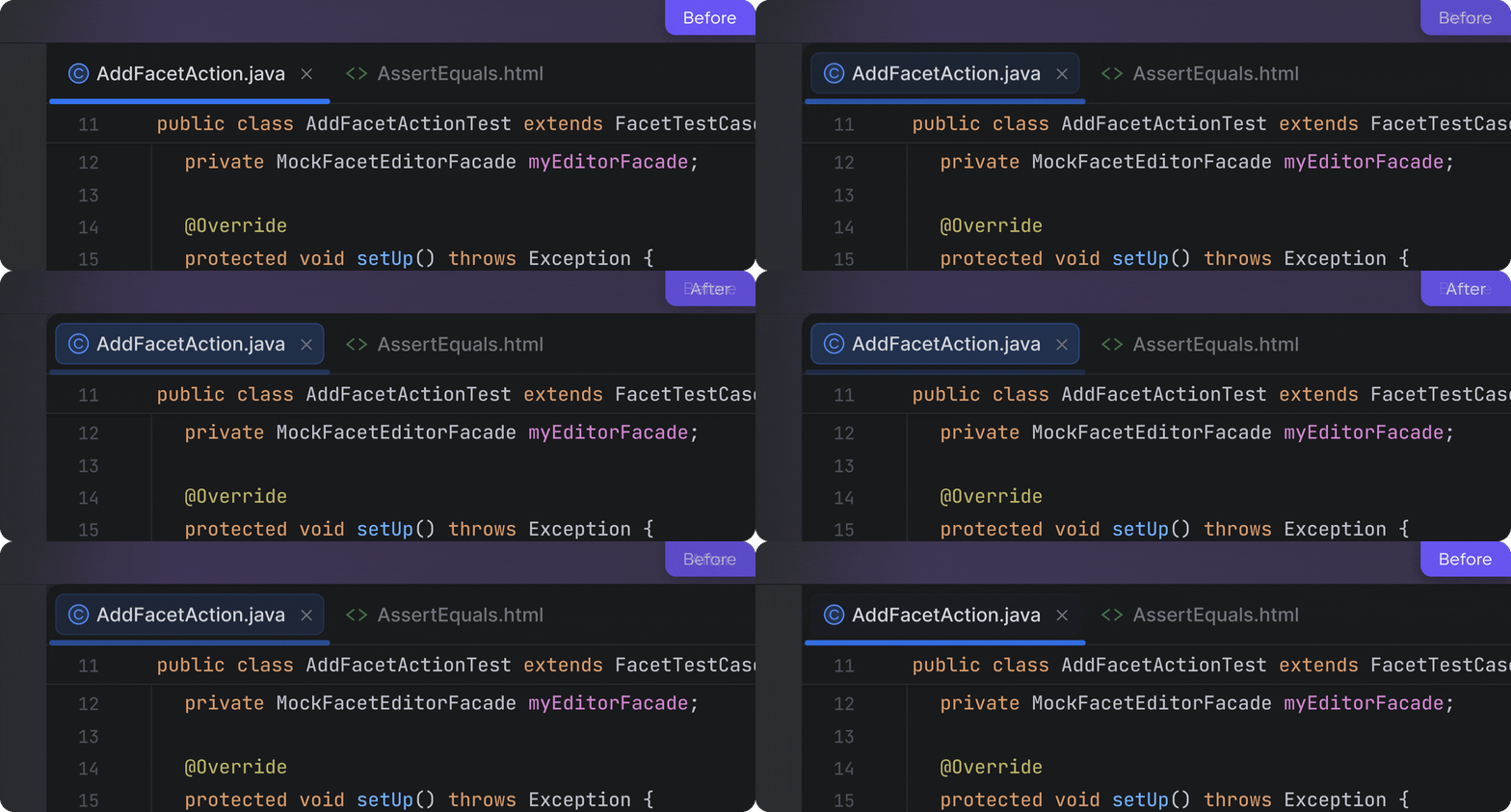
Instant tab recognition
When working with multiple files, finding your active tab should never slow you down. The Islands theme improves tab recognition, making the active one clearly visible and easier to spot at a glance.
“The active tab is very obvious, which is really nice”
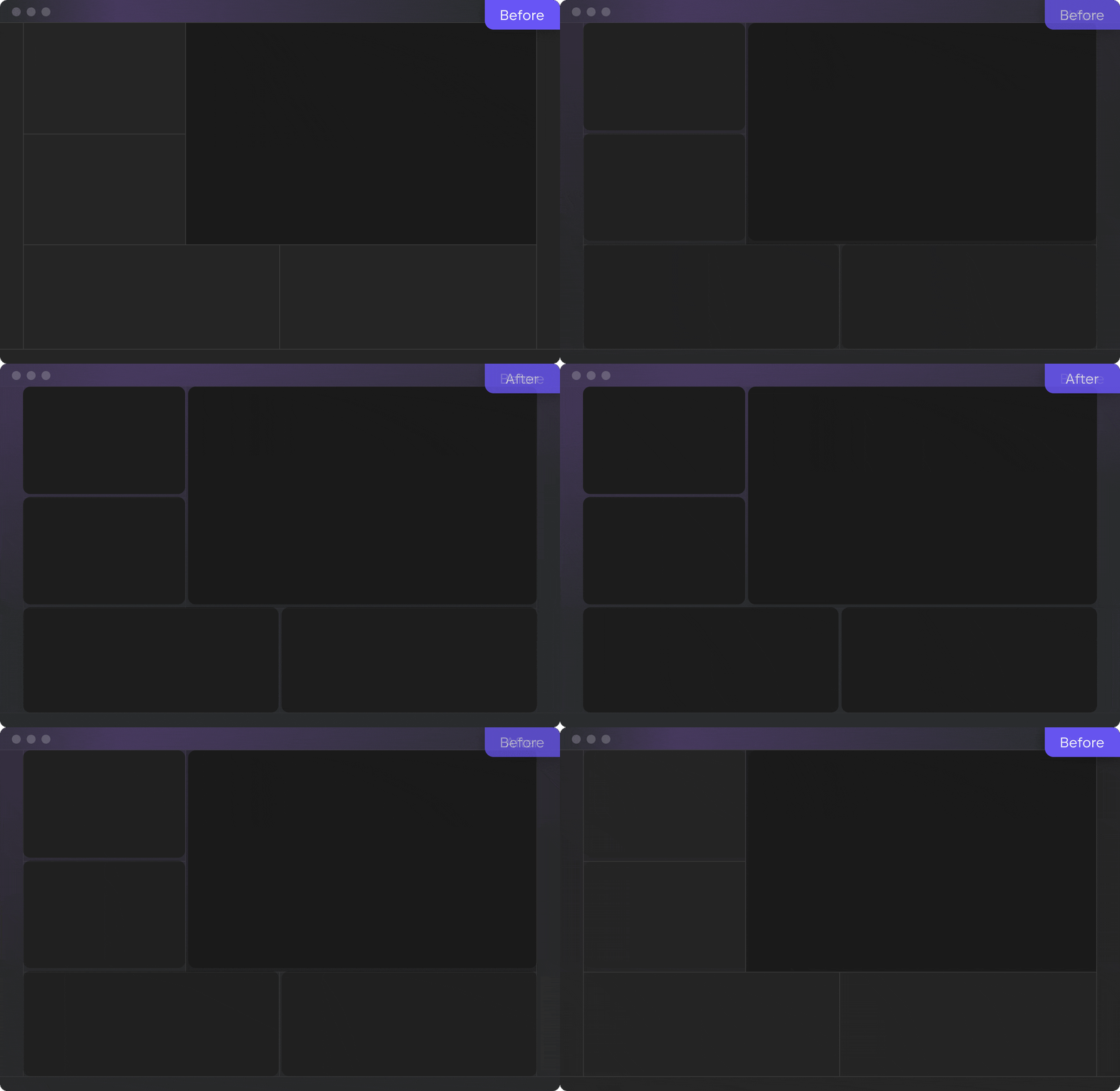
Organized spaces for focus support
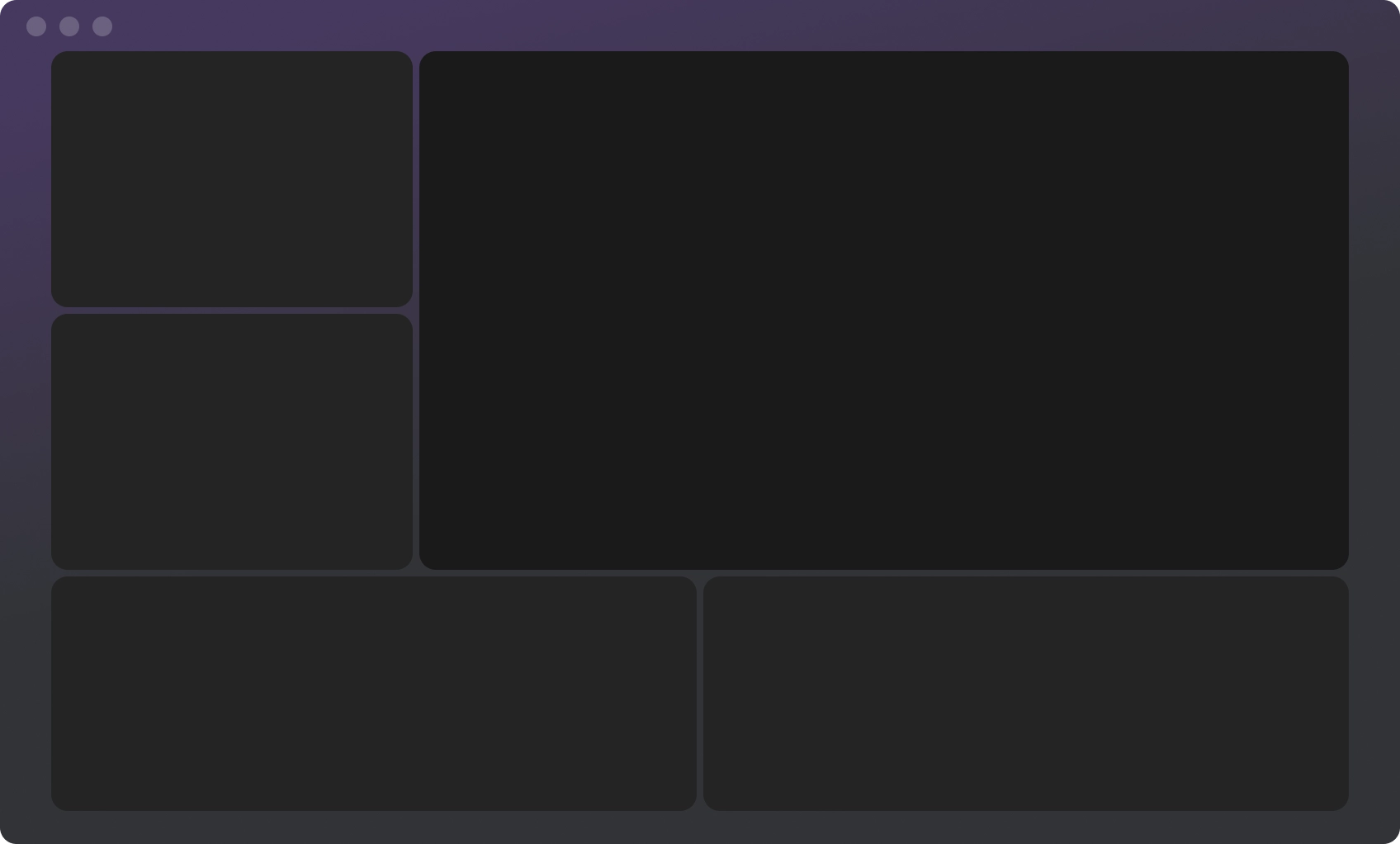
The new design introduces a clear separation between working areas, giving each part of the IDE – the editor, tool windows, and panels – its own visual space. This layout feels more organized and easier to navigate, helping you move around the IDE without losing focus or pace.
If you want even clearer visual emphasis on the editor, you can enable the Different tool window background option in Settings | Appearance under the Islands theme settings.
This is what we wanted to share about the new Islands theme, now the default look across all JetBrains IDEs. This thoughtful visual update shaped by feedback from daily users and aligned with the latest design directions in macOS and Windows 11 offers a softer, clearer, and more comfortable environment. And we believe this helps you stay productive and focused on what matters most – your code.
Subscribe to JetBrains Platform updates