Toolbox App
Manage your IDEs the easy way
Toolbox App 3.6: Smarter Storage Cleanup, Windows installation diagnostics, and More

Toolbox App 3.6 gives you better control over local storage and makes Windows installation failures easier to diagnose.
Clean up removable Toolbox App data from Settings
The Toolbox App now shows how much removable data it can safely clean up, providing a breakdown for the download cache, previous versions, temporary leftovers, and leftover tool directories. Instead of inspecting cache folders manually, you can review and remove this data directly through Settings.
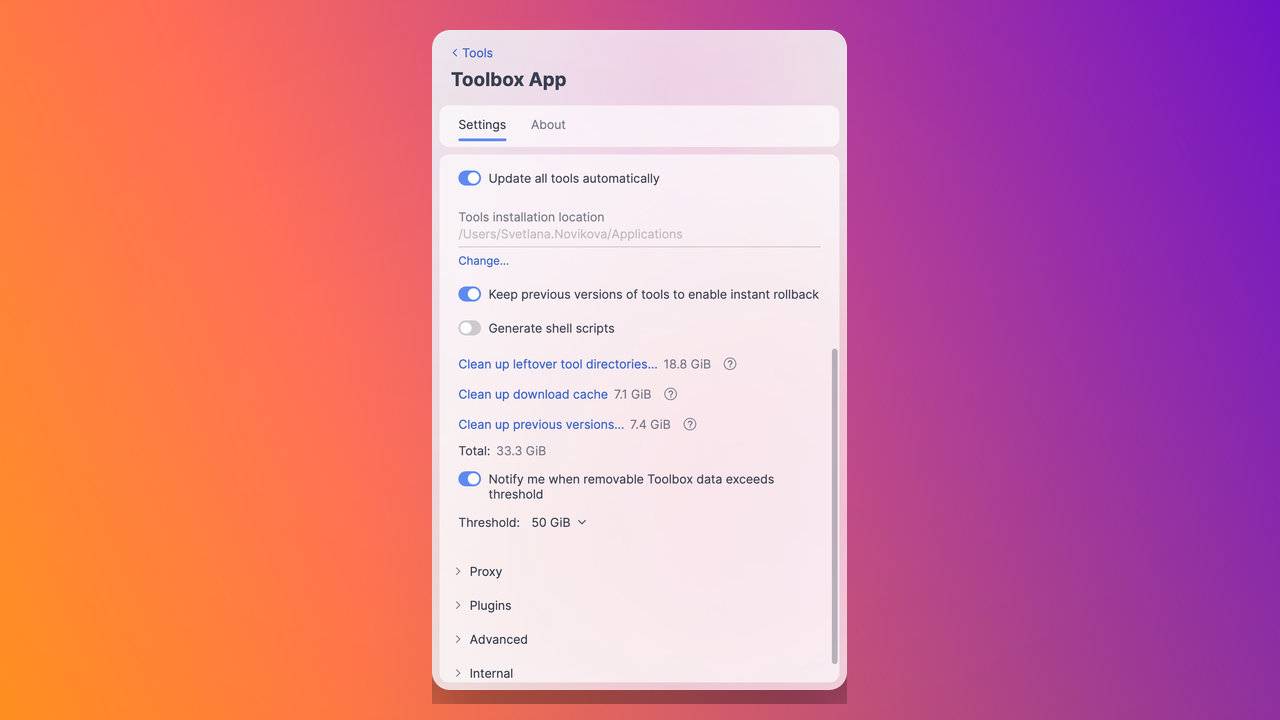
The app can suggest cleanup when it can help with a tool installation or update and you can set an optional cleanup reminder by choosing the amount of removable Toolbox App data that triggers a notification. See TBX-18085 for more details.
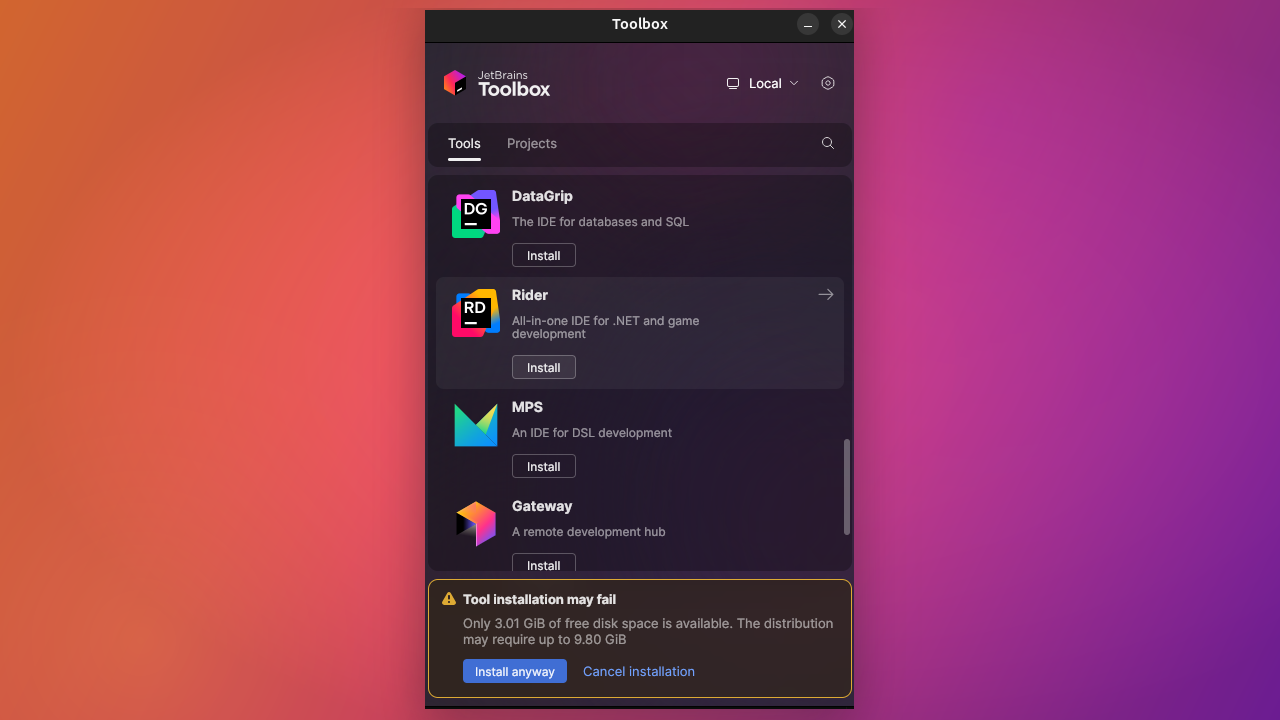
Clearer Windows installer diagnostics
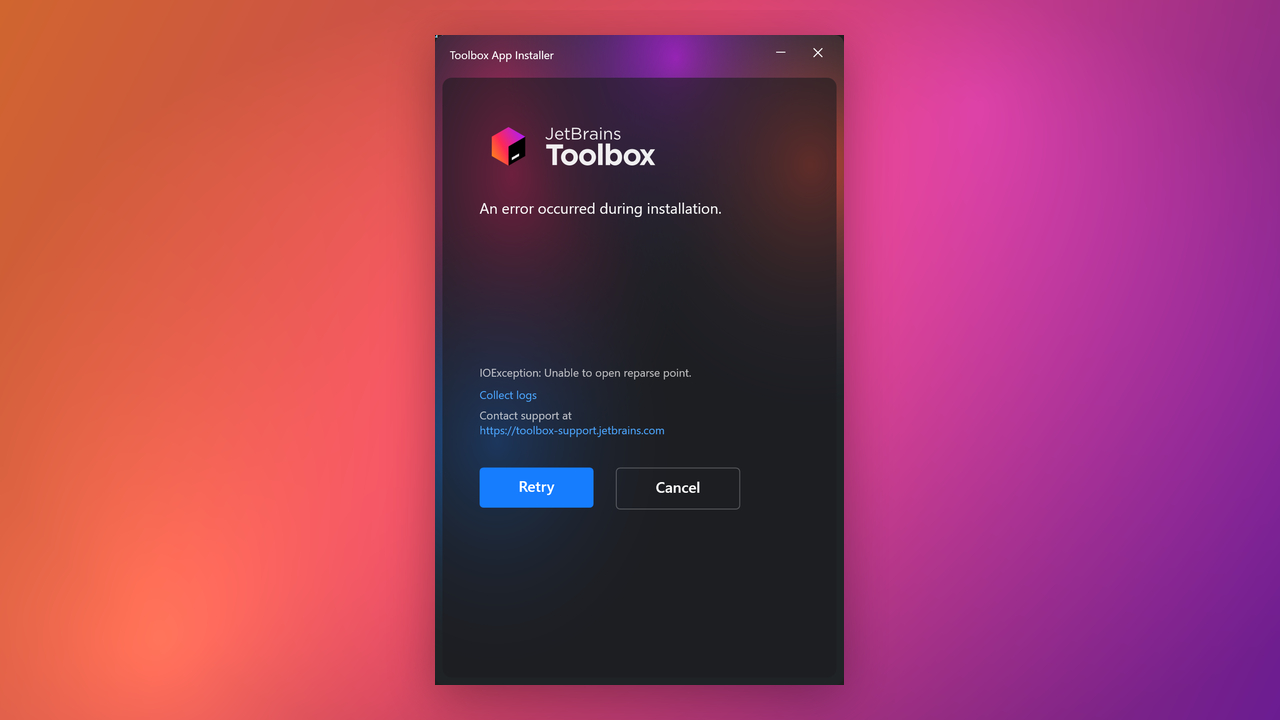
When the Windows installer cannot write files, the Toolbox App now gives you more useful diagnostics instead of only showing a generic exception. The installer can point to the process blocking a file, show read-only file or folder problems, and help you collect logs to send to the support team. See TBX-18624 for more details.
No more CodeCanvas
CodeCanvas has been sunset and removed from the Toolbox App. See TBX-18717 for more details.
We’d love to hear your thoughts on Toolbox App 3.6! Your feedback helps us improve the product, so please share your experience in the comments.
The JetBrains Toolbox App team