JetBrains AI
Supercharge your tools with AI-powered features inside many JetBrains products
Codex Is Now Integrated Into JetBrains IDEs

OpenAI Codex is now natively integrated into the JetBrains AI chat, giving you another powerful option for tackling real development tasks right inside your IDE.
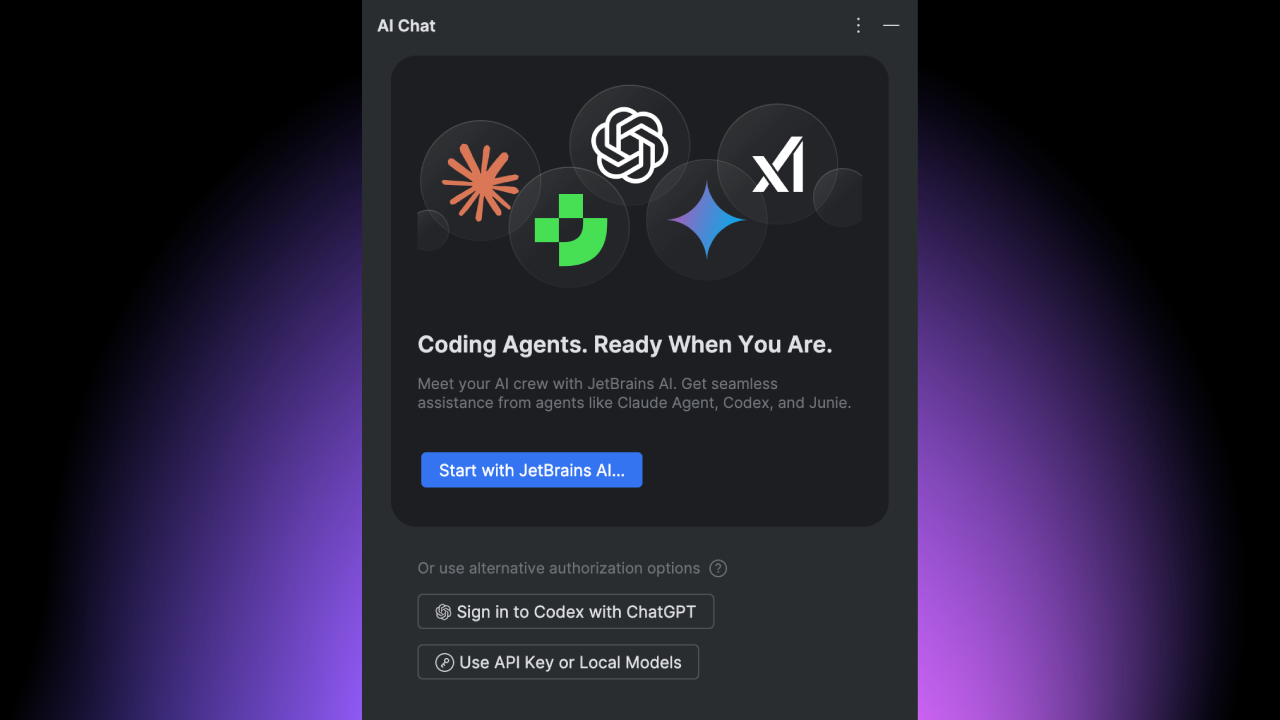
You can use Codex with a JetBrains AI subscription, your ChatGPT account, or an OpenAI API key – all within the same AI сhat interface.
See Codex in action in a JetBrains IDE, as Dominik Kundel from OpenAI and Gleb Melnikov from JetBrains walk you through real development tasks:
Get started with Codex in your IDE
Codex is available directly in the AI chat of your JetBrains IDE (starting from v2025.3). Make sure you have the latest version of the AI Assistant plugin. You will find Codex in the agent picker menu and can start using it right away.
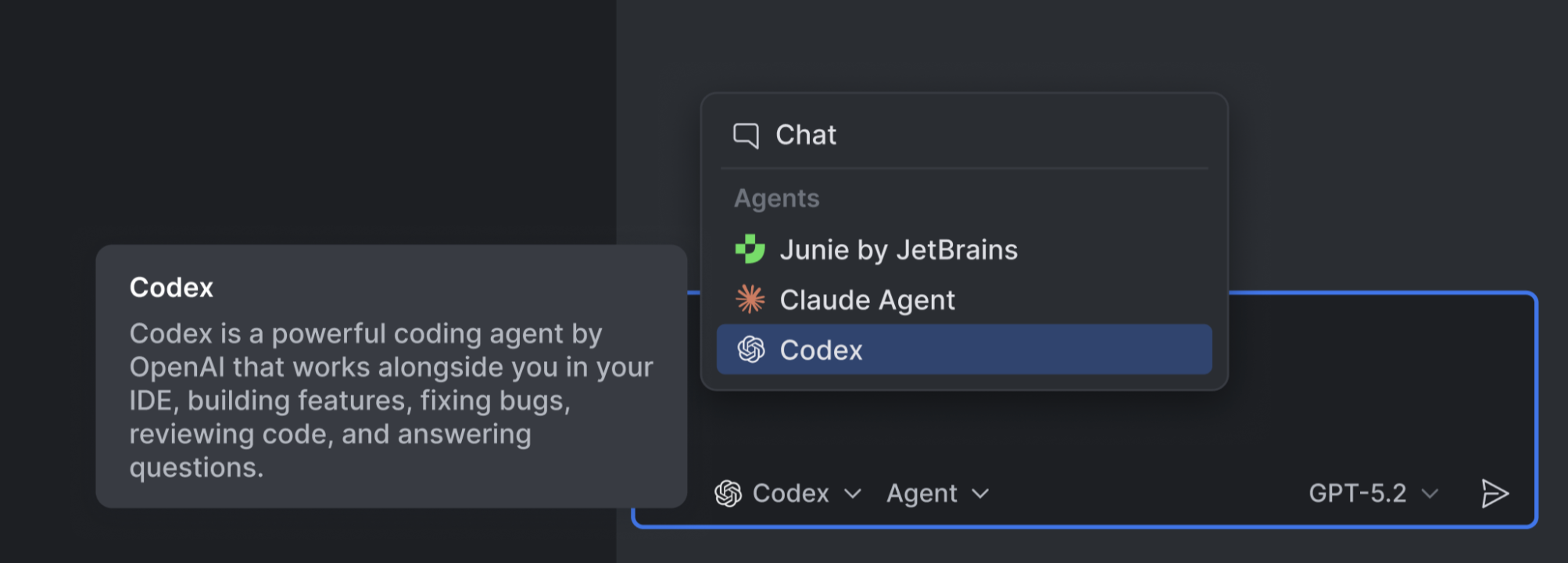
If you’re new to the AI chat, open the JetBrains AI widget in the top-right corner of your IDE, click Let’s Go, and follow the instructions to install the AI Assistant plugin. You can find a detailed step-by-step guide in the documentation.

Flexible authentication options
There are several different ways you can authenticate Codex inside your JetBrains IDE, which means you can choose the setup that best fits your preferences:
- JetBrains AI
Use Codex directly as part of your JetBrains AI subscription. - ChatGPT
Sign in using an existing ChatGPT account. - Bring Your Own Key (BYOK)
Connect to Codex using your own OpenAI API key.
Free access for a limited time
The Codex agent is available for free for a limited time when accessed via JetBrains AI, including the free trial or free tier version. The promotion starts on January 22 and will remain available until your allocated promotional credits have been used up. We reserve the right to cancel the free promotion at any time.

This free offer does not apply when using a ChatGPT account or an OpenAI API key. Other JetBrains AI features continue to consume AI Credits as usual.
When the free period ends, OpenAI’s Codex agent will continue to be available to you, but any use of it after this point will consume AI Credits. You can track your usage of AI Credits via the JetBrains AI widget.
Working with Codex in JetBrains IDEs
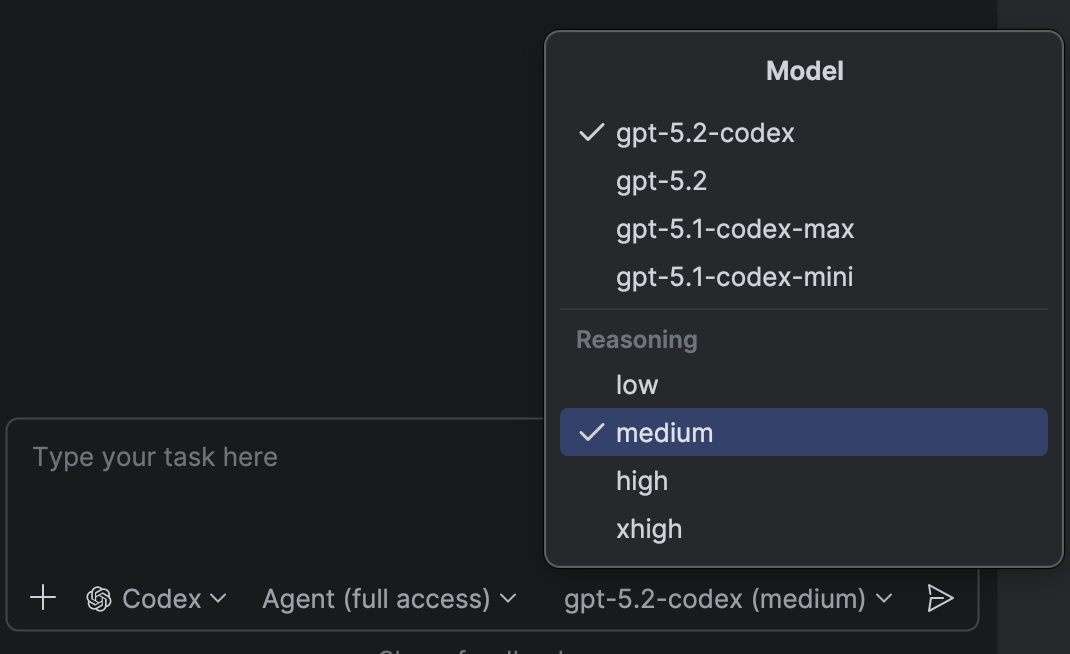
In JetBrains IDEs, you can make Codex your active agent via the AI chat. With Codex, you can delegate real coding tasks from within your IDE and let the agent reason, act, and iterate alongside you. Codex supports various interaction modes, so you can decide how much autonomy to give it – from simple question-response permissions to the ability to access your network and run commands autonomously. You can also switch between supported OpenAI models and their reasoning budget directly in the AI chat, making it easy to balance reasoning depth, speed, and cost depending on the task at hand.
Looking ahead
By partnering with leading AI providers like OpenAI and integrating their technologies directly into JetBrains IDEs, we’re ensuring these tools work where developers already are, in a way that respects their preferences.
We’d love to hear how you’re using Codex and what you’d like to see next. Are there other agents or capabilities you’d like us to bring into JetBrains IDEs? Let us know and help shape what comes next for JetBrains AI.