JetBrains Academy
The place for learning and teaching computer science your way
JetBrains Academy Plugin 2025.11 is Now Available

With the holidays just around the corner and the year coming to a cheerful close, we’re ringing in the final JetBrains Academy plugin update of 2025, version 2025.11!
This release focuses on the introduction of the standalone Hyperskill plugin, expands achievement-sharing to IDE-based courses, and brings a number of improvements and fixes to make your learning experience smoother than ever.
To explore the latest improvements, install the JetBrains Academy plugin or update to the latest version from Settings | Plugins in your JetBrains IDE.
Dedicated Hyperskill plugin
Hyperskill learners are now getting a more streamlined and dedicated learning experience! Hyperskill is moving out of the JetBrains Academy plugin into a standalone plugin built specifically for the Hyperskill learning experience. All learning in-IDE capabilities stay the same.
This change brings several benefits:
- Faster updates delivered directly by the Hyperskill team.
- Simpler, cleaner navigation with everything in one place.
- A more consistent and focused learning workflow.
The JetBrains Academy plugin will continue to support JetBrains Academy and Coursera courses, while all Hyperskill content is now available only through the new free Hyperskill Academy plugin.
Details for Hyperskill learners
If you are already working in Hyperskill, your existing projects and progress are safe and will still be there for you – no manual migration required. To continue learning in your IDE, you’ll just have to switch to the new plugin.
Here’s what you need to do:
- Update to the latest version of the JetBrains Academy plugin.
- Install the new Hyperskill Academy plugin from the Marketplace tab in your IDE and sign in with your Hyperskill account in Settings/Preferences | Tools | Hyperskill.
- Open your existing projects and continue learning right where you left off – everything will appear automatically once you sign in.
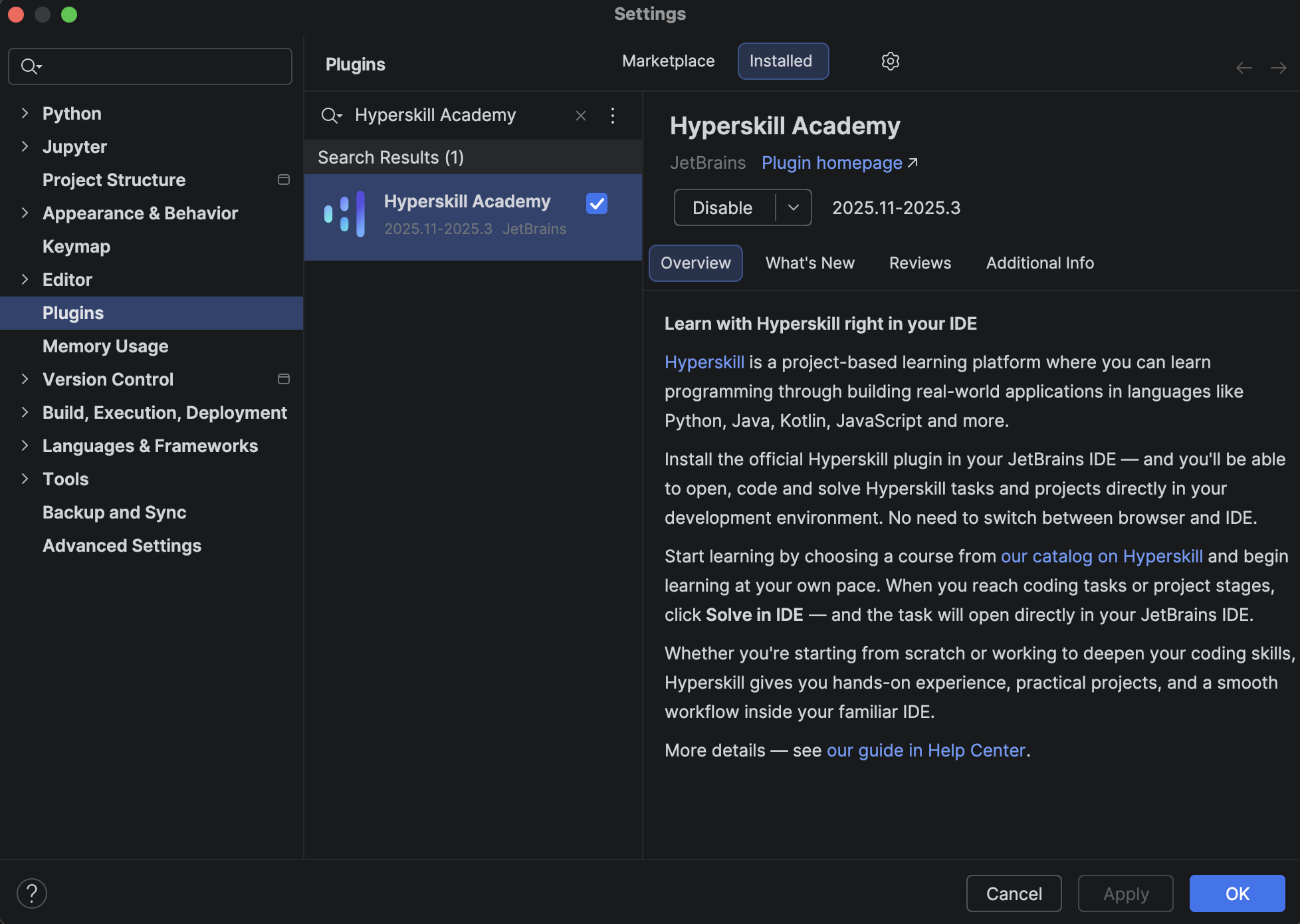
Hyperskill learners can also switch to the Hyperskill Academy plugin directly from their course. If you open a course you previously started in the JetBrains Academy plugin, you’ll see a notification with an option to install the Hyperskill plugin and continue the course there.
This change is all about giving you a more streamlined and reliable learning environment that’s designed to support your growth every step of the way.
If you have any questions, you can check the full FAQ in our dedicated blog post about the Hyperskill Academy plugin or get in touch with Hyperskill Support.
JetBrains Academy: Celebrate Your Achievements!
Hyperskill includes a fun feature that lets you share your progress on X and LinkedIn, and with this update, we’re bringing that same experience to our in-IDE courses.
Now, when you complete 80% of an IDE course, you’ll receive a notification in your IDE with the option to share your achievement. It’s a simple way to mark how far you’ve come, whether you want to boost your portfolio, stay motivated, or just enjoy a small moment of celebration with the community. Sharing your progress can be a great confidence boost, and it reminds you that learning isn’t just about reaching the finish line, but about appreciating the milestones along the way. Your post might even inspire someone else to start learning, too.
For the full list of issues addressed in the JetBrains Academy plugin’s 2025.11 update, see our issue tracker.
We hope you enjoy this release! As always, please share your feedback with us in the comments section below, and use our issue tracker to report any issues or bugs you encounter.
The JetBrains Academy team