IntelliJ IDEA – the Leading IDE for Professional Development in Java and Kotlin
This blog post explores how Java and debuggers work behind the scenes.
In this blog post, we will look at how to debug Java code using the IntelliJ IDEA debugger. We will look at how to fix a failing test, how to find out where an `Exception` is thrown, and how to find problems with our data. And we will learn some neat tricks about the debugger in the process! …
일반적인 디버그 시나리오에서는, 디버거가 프로그램을 언제 중단해야 하는지 알려주기 위해 중단점을 설정하게 됩니다. 중단점은 일반적으로 추가 조사를 시작하기 위한 시점과 일치합니다. 중단점을 어디에 설정해야 할지 결정하는 것은 쉽지 않을 수 있으며, 정확한 줄이 불분명한 상황이 있을 수도 있고, 특정 코드 보다는 타이밍에 따라 프로그램을 일시 중지하는 것을 선호할 수도 있습니다. 이 글에서는 IntelliJ IDEA의 Pause Program(프로그램 일시 중지) 기능에 대해 알아보겠습니다. 이 기능은 앞서 설명한 시나리오를 포함해 …
在典型的调试场景中, 你会设置断点来告诉调试器何时暂停你的程序。 断点通常标志着进一步调查的开始。 决定在哪里设置断点并不简单。 有时会发生不清楚确切行数的情况, 也有开发者更倾向于根据时间而不是特定代码来暂停程序。 在本文中,我们将探讨 IntelliJ IDEA 的暂停程序 (Pause Program) 功能—— 这是一个较少为人知,但是在某些场景下又极其强大的调试技术, 包括上述提到的情况。 我们将讨论它的使用场景和限制,并分享一个隐秘的单步调试技巧。 什么是暂停功能? 暂停程序 (Pause Program) 是 IntelliJ IDEA 调试器中的一项功能,让开发者能够在任意时刻…
In a typical debugging scenario, you would set breakpoints to tell the debugger when to suspend your program. A breakpoint usually corresponds to the moment that marks the starting point for further investigation. Deciding where to set a breakpoint can be challenging. There might be situations wher…
In our previous article, you learned to move through your code with basic and advanced stepping actions. Now that you know how to navigate your code and control its execution step by step, we can look at the tools for analyzing your program’s state and testing scenarios for bug fixes. In th…
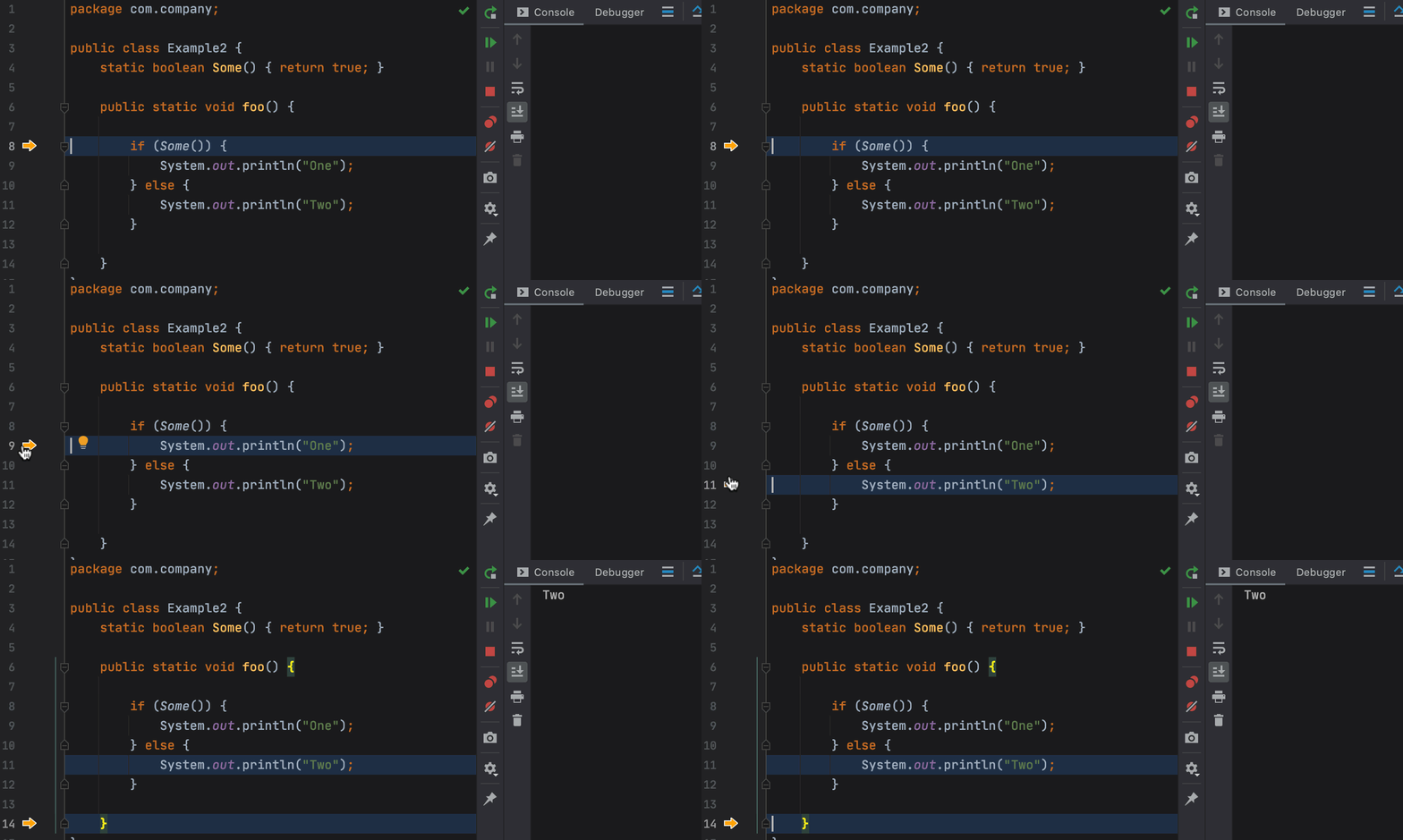
This Debugger Upskill blog post is the first in a series devoted to the IntelliJ IDEA debugger. In the upcoming articles, we’ll describe its core functionality as well as features designed for peculiar use cases. Our topic for this post is stepping, an invaluable procedure that allows you to move…
One of the most common debugging techniques, printf debugging is particularly popular because most people learn it intuitively when debugging their first programs. This type of debugging is also very accessible because you don’t need any special tools for it. You just insert print statements into yo…
We often find ourselves in situations where code is not working properly, and we have no idea where to even begin investigating. Can’t we just stare at the code until the solution eventually comes to us? Sure, but this method probably won’t work without deep knowledge of the project and a lot of men…
There are a lot of debugger tutorials out there that teach you how to set line breakpoints, log values, or evaluate expressions. While this knowledge alone gives you a lot of tools for debugging your application, real-world scenarios may be somewhat trickier and require a more advanced approach. …
The IntelliJ IDEA debugger is very helpful when it comes to improving your code. Not only does it help you to identify inconsistencies, but it also makes navigating to the responsible lines much easier. There are many ways to set a target execution line during debugging. You can use breakpoints, or…
If you’ve ever used System.out.println() to debug your code, this post is a must-read. A debugger is a special tool that you can use to execute your Java code in a strictly controlled environment. It lets you review and analyze the inner state of your application and find and fix bugs that may be h…