JetBrains Platform
Plugin and extension development for JetBrains products.
Open-Sourcing the LSP Client API in IntelliJ IDEA 2026.2

Language Server Protocol (LSP) solves a real problem: before, each IDE or editor had to implement support for a specific language separately. A language server puts that work in one place and exposes it through a common protocol, providing completion, formatting, documentation, and related features.
That common protocol is only a part of the IDE integration. The IDE still has to decide how to start the server, handle the code, and assist in development. That is where plugin authors spend their time.
Product availability is one of the areas they struggle with, and the author of the Azure DevOps Pipeline plugin recently faced it. Even though the plugin registered platform.lsp.serverSupportProvider, opening the azure-pipelines.yml file should have started the language server through the IntelliJ Platform LSP client. In Android Studio, it didn’t happen because the LSP integration is a commercial IDE extension, not part of the open-source IntelliJ Platform used by Android Studio. No visible error, no fallback, users are left all alone.
Another plugin author took the more drastic route. For Noctule, a Swift plugin, they wrote their own LSP client from scratch because the available options did not fit the plugin they wanted to ship. They needed control over where the plugin worked, how it behaved across IDE versions, and how deeply it integrated with the editor. At that point, a custom client was not over-engineering, but it was the only way to make the plugin behave consistently.
That is the gap we want to close.
With the 2026.2 release cycle, we are open-sourcing the LSP client API, making the stable and battle-tested platform client available to JetBrains IDEs, Android Studio, and other products based on the public IntelliJ Open Source project.
What comes next?
The public API is being renamed before it becomes widely available. The old names made the IDE side sound like the server side. That gets confusing once the code is open and used outside JetBrains IDEs. The platform owns the LSP client and the IDE integration; the language server is the external process. So LspServer becomes LspClient, and the provider moves to LspIntegrationProvider.
Note: The open-source LSP API work is planned for the 2026.1.4 stable build, not only 2026.2. That also means Android Studio support may arrive earlier than 2026.2; JetBrains is working with the Google team to make that happen.
If your plugin already uses the JetBrains LSP API, watch both updates and adjust to the new names.
If your plugin uses LSP4IJ or a custom client, do not migrate just for the sake of it. Check minimum IDE version, Android Studio support, feature coverage, customization hooks, and remote or split-mode needs. Make sure to share your feedback on the JetBrains Platform forum.
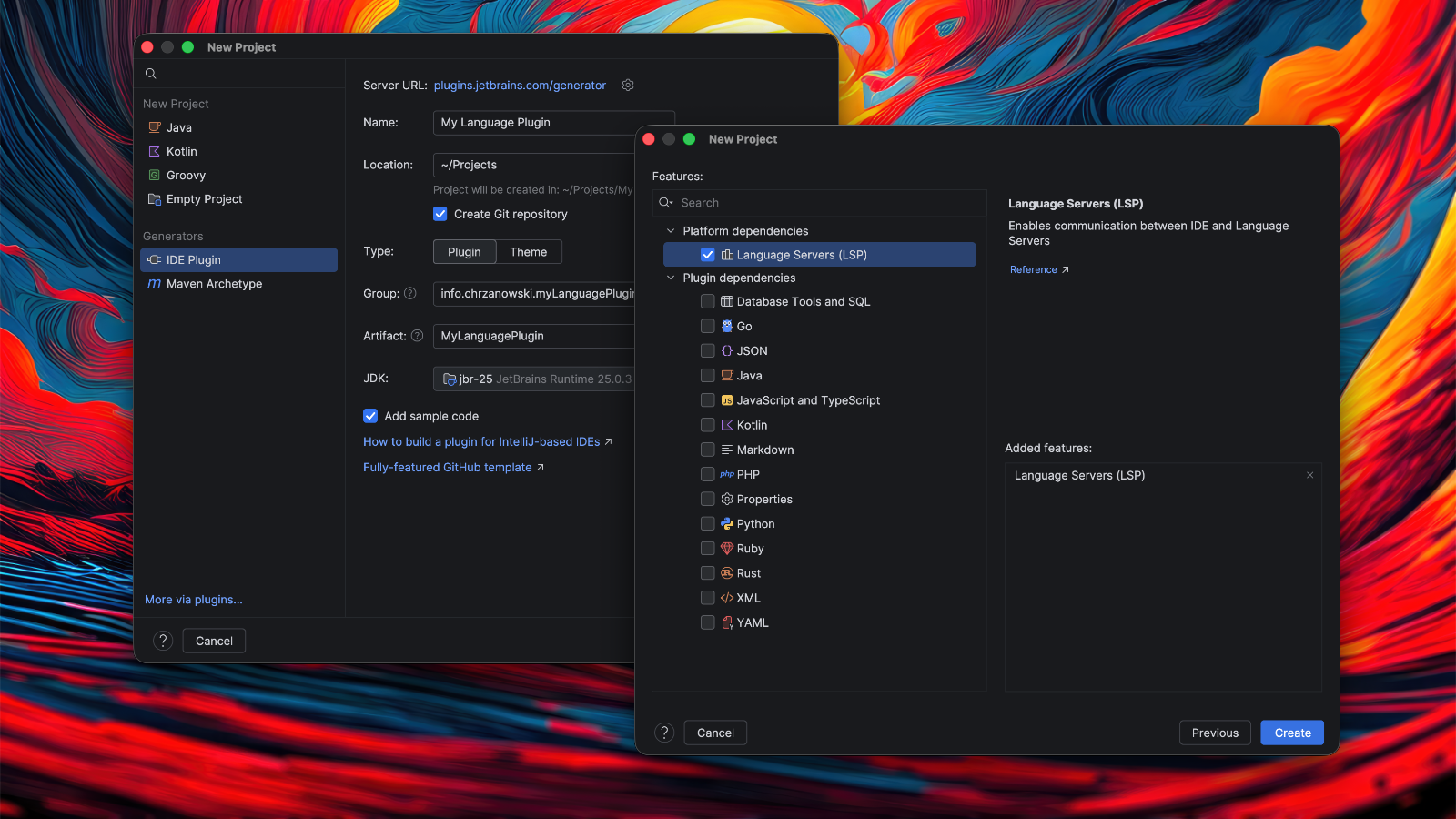
For a new language integration, start with the LSP article in the IntelliJ Platform SDK Docs, if a good language server already exists. To bootstrap a plugin, use the IntelliJ Platform Plugin generator or the reworked Project wizard inside IntelliJ IDEA with the Plugin DevKit plugin installed.