Qodana
The code quality platform for teams
Boost Your Pipeline: Top 6 CI/CD Integrations for Qodana

Your CI/CD pipeline builds fast, but does it build right? While your automated builds and deployments handle the mechanics of software delivery, catching code quality issues often falls to manual reviews, which, while hugely valuable, can sometimes miss more subtle problems.
That’s where Qodana changes the game by bringing the power of IntelliJ IDEA’s inspection engine directly into your workflow with CI/CD integrations.
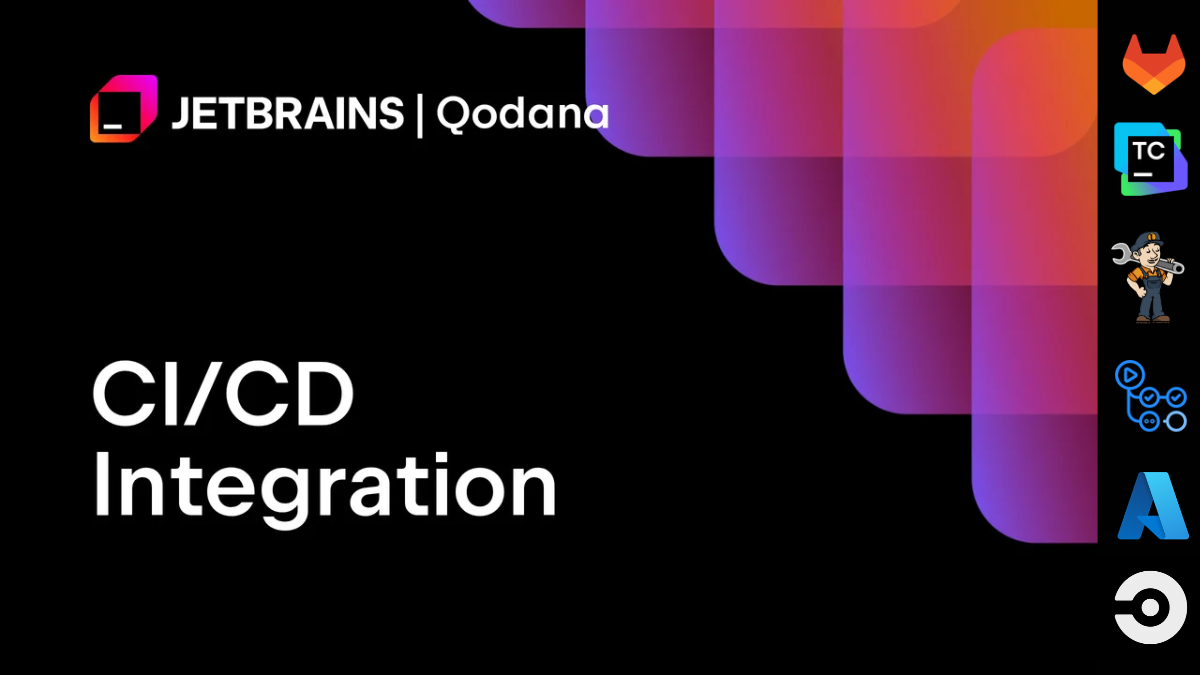
Qodana seamlessly integrates with several major CI/CD platforms, extending the same intelligent code analysis you rely on in your IDE to every commit and pull request. You can automate quality gates that prevent problematic code from reaching production, no matter which platform your team prefers.
This compatibility means you can maintain coding standards without disrupting existing workflows or learning new tools.
Table of Contents
Why integrate static code analysis with CI/CD pipelines?
Integrating CI/CD static code analysis transforms how your team approaches code quality. Instead of discovering issues after deployment (when they’re expensive to fix), you can spot problems immediately as part of your existing development workflow. This is the essence of a ‘shift-left’ approach, where you’re moving quality checks to earlier in the lifecycle, so developers get faster feedback and teams spend less time reworking code.
Automated quality enforcement ensures every team member follows the same coding standards, no matter their experience level or tool preferences. When Qodana runs on every commit, you get consistent feedback that helps maintain code quality across your entire codebase.
Your CI/CD pipeline becomes more than just a deployment tool. It acts as a quality guardian, blocking problematic code before it can impact your users.
But what are the top CI/CD integrations for Qodana? We’ll take a look at a few of the best and discuss how and why you should integrate them into your workflows.
1. GitHub Actions
GitHub Actions provides cloud-based CI/CD automation that integrates directly with your GitHub repositories. It supports all major programming languages and operating systems, with an extensive marketplace of pre-built GitHub Actions.
This platform also excels at pull request workflows and offers flexible runner options for both public and private repositories.
Integrating Qodana with GitHub Actions
Qodana integrates with GitHub Actions through the official marketplace Action, making setup straightforward with a simple workflow file. The current v2025.2 Action provides comprehensive analysis capabilities and integrates seamlessly with GitHub’s pull request system.
You’ll need to configure your QODANA_TOKEN as a repository secret and create a workflow file in your .github/workflows directory. For detailed configuration options and advanced setups, check the GitHub Actions documentation.
| Pros | Cons |
| Reusable workflows and tight pull request integration make code reviews efficient. | YAML configuration becomes complex for advanced setups and custom quality gates. |
| Quick-fix automation can create automatic pull requests with suggested code improvements. | Runner costs for private repositories can escalate with heavy usage patterns. |
2. GitLab
GitLab offers a complete DevOps platform with integrated CI/CD capabilities, available in both cloud and on-premises deployments. It supports over 60 programming languages and provides comprehensive project management features alongside its CI/CD functionality. GitLab’s strength lies in its all-in-one approach to software development workflows.
Integrating Qodana with GitLab
GitLab integration has been revolutionized with the new native GitLab CI/CD component introduced in 2025.1, replacing the previous Docker-only approach. This native component integration eliminates complexity while providing enhanced functionality. The component integrates directly with GitLab’s merge request UI, showing code quality reports alongside your existing code review process.
| Pros | Cons |
| The native CI/CD component eliminates Docker complexity and streamlines setup significantly. | Community users may experience slower queues during periods of high platform demand. |
| Results feed directly into your merge request UI with comprehensive code quality reports. | Component features require GitLab 16.0 or higher for full functionality access. |
For more information about GitLab CI/CD capabilities, check out the GitLab CI documentation.
3. TeamCity
TeamCity is JetBrains’ enterprise-focused CI server, offering both on-premises and cloud deployment options. It provides cross-platform support with advanced build management capabilities designed for scalability. As a JetBrains product, it offers deep integration opportunities with other JetBrains tools and development workflows.
Integrating Qodana with TeamCity
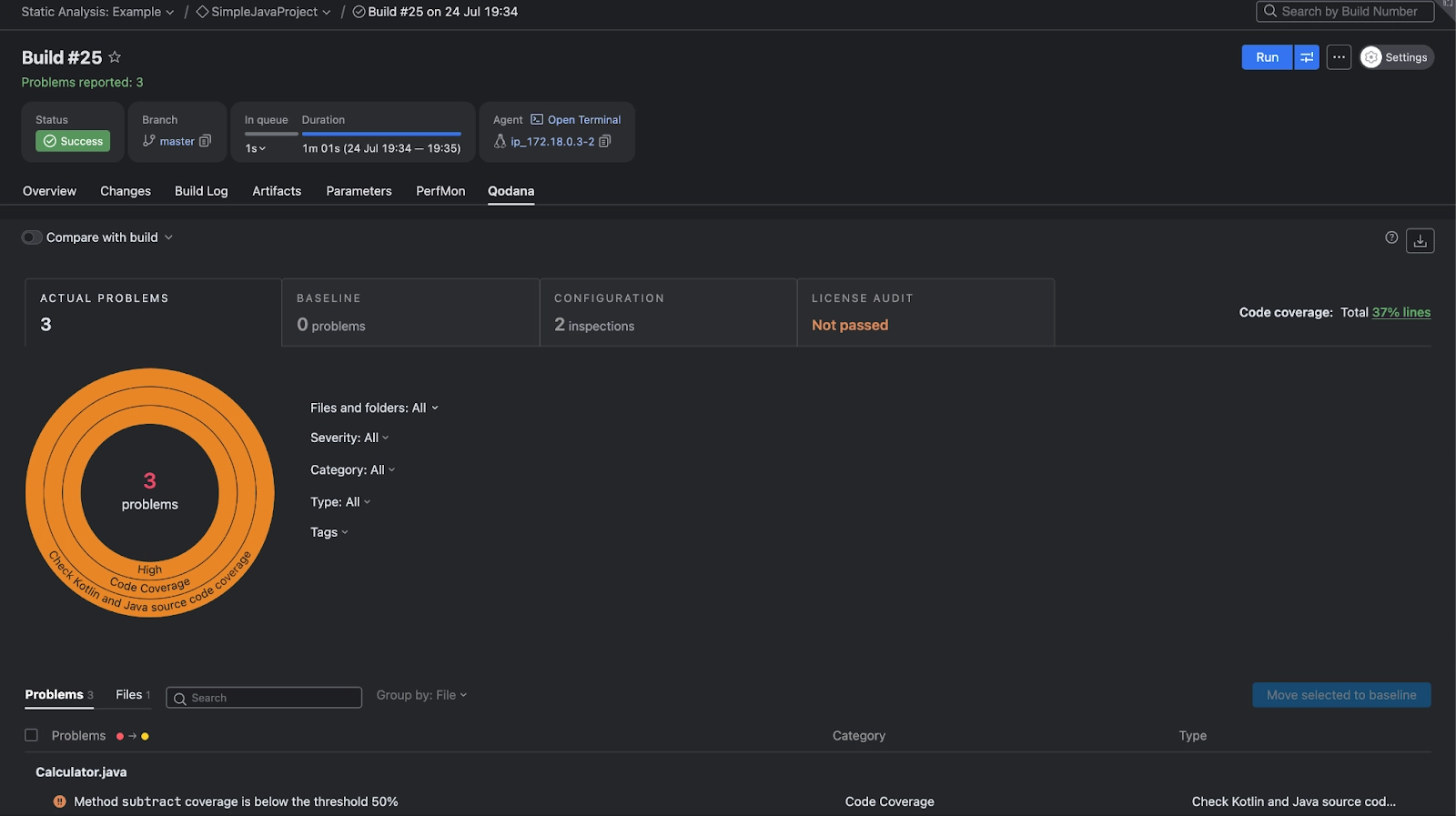
TeamCity offers the most streamlined Qodana integration through its native build runner, removing the need for Docker containers or complex YAML configurations. This native integration provides a GUI-based setup and built-in reporting capabilities. Your analysis results appear directly in TeamCity’s interface with comprehensive visualization and historical tracking. Find out more about how to integrate Qodana into TeamCity here.
| Pros | Cons |
| Native build runner with GUI configuration eliminates YAML complexity entirely. | Windows build agents are currently not supported for Qodana analysis workflows. |
| Built-in reporting in TeamCity UI provides visual analysis results and trend tracking. | Scaling your setup requires additional TeamCity agent licenses for larger teams. |
Learn more about TeamCity capabilities, and read our detailed guide on integrating Qodana into TeamCity for step-by-step instructions.
4. Jenkins
Jenkins is the leading open-source automation server and features an extensive plugin ecosystem and self-hosted deployment model. It supports all major platforms and offers maximum customization flexibility through its pipeline scripting capabilities. Jenkins excels in complex enterprise environments where custom workflows are essential.
Integrating Qodana with Jenkins
The Jenkins integration relies on Docker-based deployment through Jenkinsfile configuration, providing flexibility for complex pipeline requirements. It supports quality gates, baseline comparisons, and custom reporting workflows. You’ll configure Qodana as a Docker agent within your pipeline, allowing for sophisticated build orchestration.
| Pros | Cons |
| Maximum customization through flexible pipeline scripting and an extensive plugin ecosystem. | Requires Docker expertise for proper setup, maintenance, and troubleshooting. |
| An extensive plugin ecosystem enables custom quality gate workflows tailored to your needs. | More complex configuration compared to native platform solutions available elsewhere. |
For comprehensive Jenkins guidance, consult the Jenkins documentation.
5. Azure Pipelines
Azure Pipelines is Microsoft’s cloud CI/CD service offering Windows, Linux, and macOS support within the broader Azure DevOps ecosystem. It provides enterprise-grade features with strong integration across Microsoft’s development and cloud services. The platform excels in organizations already invested in Microsoft technologies. It was also one of the first pipelines Qodana could integrate into – this integration was introduced as early as 2022.
Integrating Qodana with Azure Pipelines
Azure Pipelines uses the QodanaScan@2025 task, enhanced with 2025.1 features that significantly improve the developer experience. The Azure Pipelines integration now displays results in the Extensions tab rather than cluttering build logs. This provides cleaner reporting and better visibility into code quality metrics.
| Pros | Cons |
| Results appear in the Extensions tab instead of cluttering build logs, improving readability. | Steeper learning curve for development teams not familiar with Microsoft tooling. |
| Seamless integration for teams already using Microsoft’s development ecosystem. | Pipeline costs can escalate significantly with increased agent usage across large projects. |
Find the Qodana extension in the Visual Studio Marketplace.
6. CircleCI
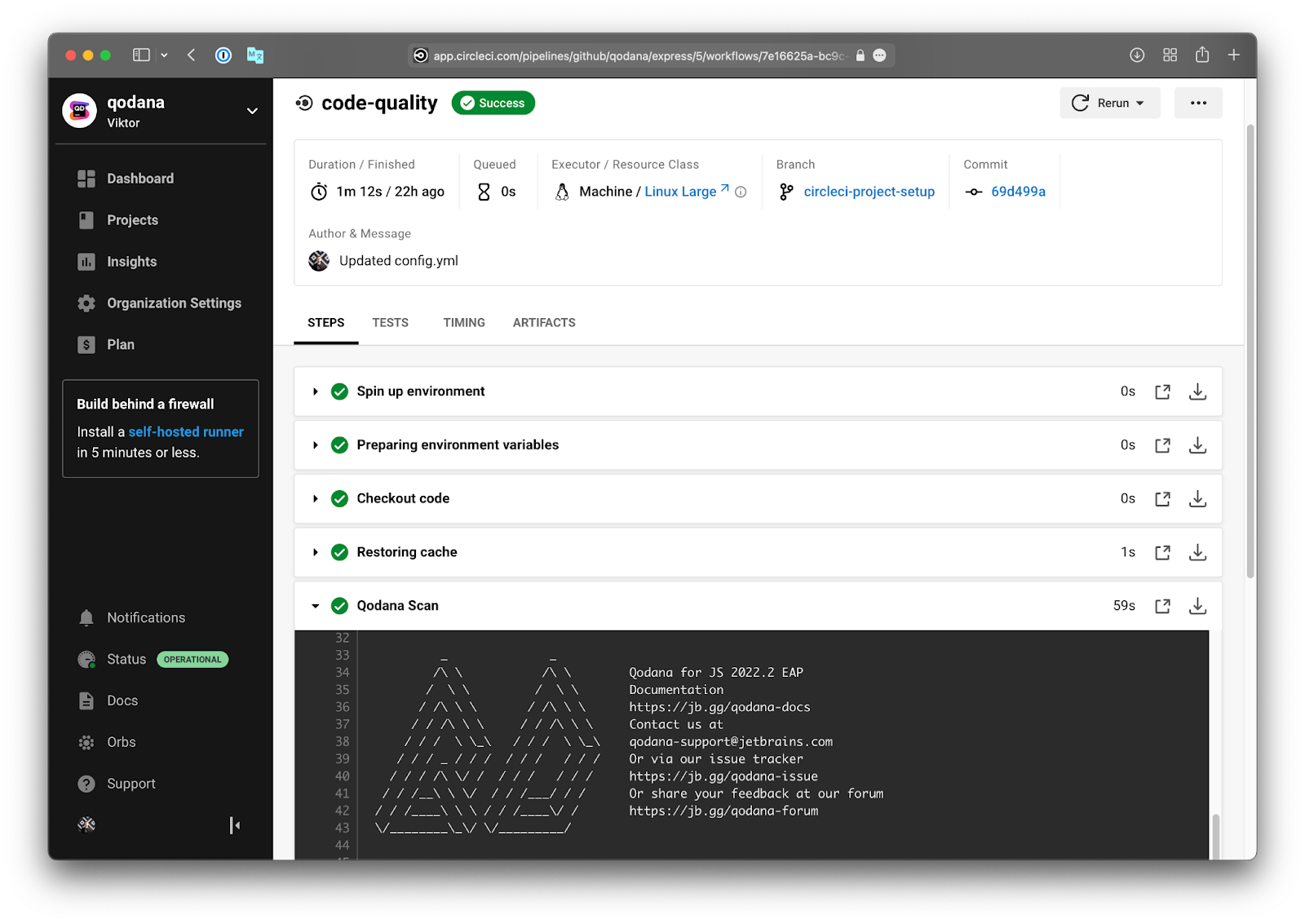
CircleCI is a cloud-native CI/CD platform with container-focused architecture and a credit-based pricing model. It excels at Docker workflows and provides predictable performance through its container-optimized infrastructure. The platform is particularly advantageous for teams prioritizing containerized development practices.
Integrating Qodana with CircleCI
The CircleCI integration provides container-optimized execution with excellent performance characteristics. Configuration involves declaring the orb in your .circleci/config.yml file.
| Pros | Cons |
| Container-optimized execution delivers excellent performance for analysis workflows. | Credit-based pricing can become expensive for large teams with frequent builds. |
| Established orb with regular updates and reliable maintenance since 2022. | Less flexibility compared to self-hosted alternatives for custom enterprise requirements. |
Explore the CircleCI Qodana orb at the CircleCI developer portal.
Make code quality part of your workflow with CI/CD static code analysis
These CI/CD integrations ensure consistent, automated code quality checks become part of your development process rather than an afterthought. By choosing the integration that fits your existing workflow, your team can enforce coding standards without disrupting productivity or requiring extensive retraining.
Qodana brings the same intelligent analysis that powers IntelliJ IDEA directly into your pipeline, no matter which platform your team prefers. Start with your preferred CI/CD tool today and make code quality an automated part of every commit your team makes.
Start a free trial and find out how Qodana can help you improve your codebase.