JetBrains Platform
Plugin and extension development for JetBrains products.
Wayland By Default in 2026.1 EAP

Starting from version 2026.1, IntelliJ-based IDEs will run natively on Wayland in supported desktop configurations. This follows Wayland’s ascendance to the position of primary display server across contemporary Linux distributions.
By making this change in our EAP releases first, we hope to be able to give more Linux users the opportunity to try the native Wayland mode in their IDE, gather their feedback, and prepare more comprehensively for the general rollout in one of the upcoming major versions.
What changes?
Instead of running as X applications, IntelliJ-based IDEs will now automatically enable native Wayland support in a Wayland-capable desktop environment.
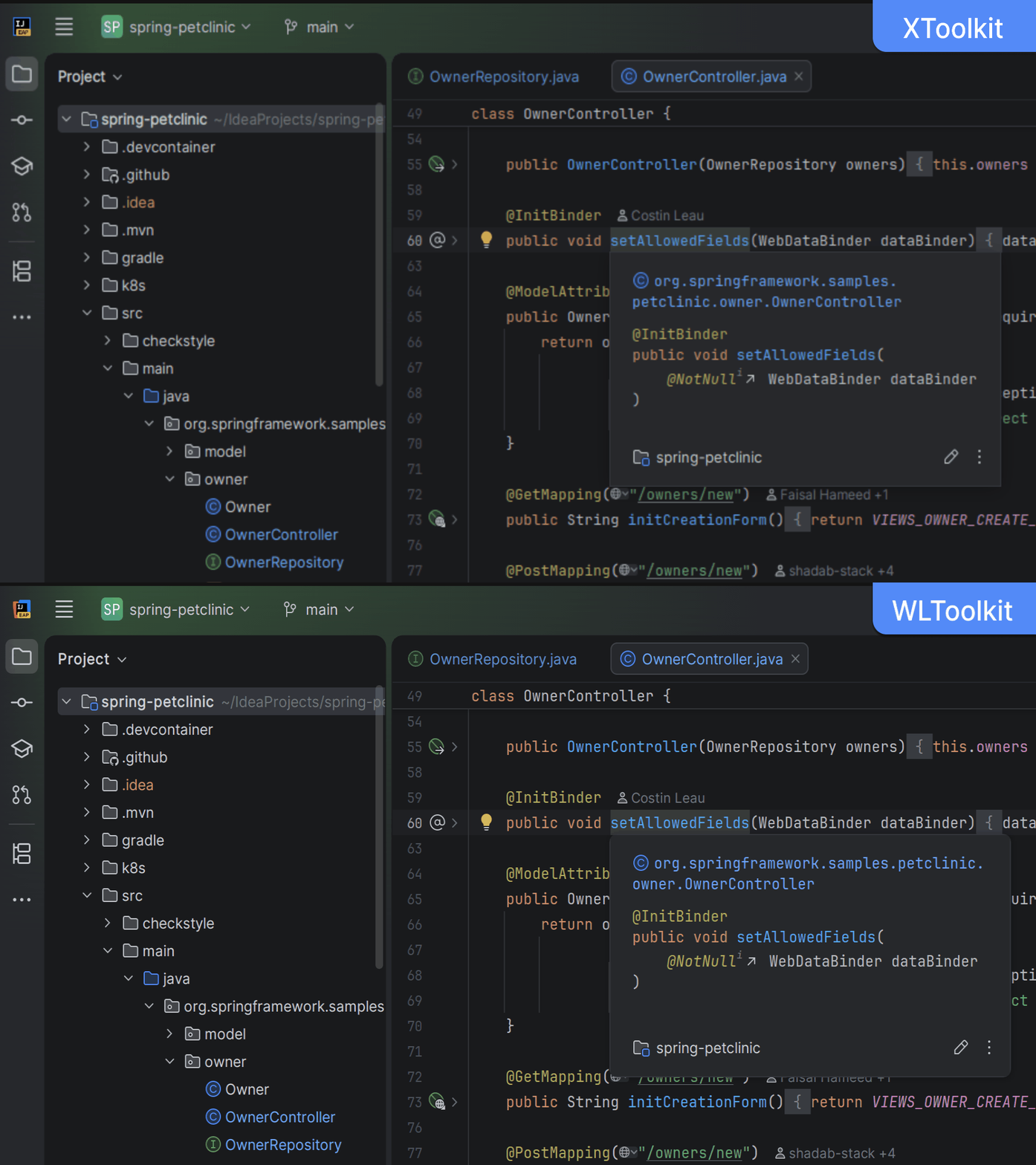
Since the last preview in 2024.2, we have enhanced stability across several Wayland server implementations, added drag-and-drop functionality and input methods (IMs) support, and made a significant step towards native-looking window decorations.
Wayland differs profoundly from X11 in several technical ways. As a result, even though the user interface should largely look and feel the same, these underlying distinctions may be noticeable:
- Some windows and dialogs, e.g. Project Structure and Alerts, may not be centered on the screen or keep their previous location. This is due to the window manager having total control over windows’ locations in Wayland, which it is not always possible to override on the application side.
- The splash screen on IDE startup will not appear as it cannot be reliably centered on the screen.
- Some popups, such as Search Everywhere and Recent Locations, may not be moved outside of the main frame.
- Window decorations (such as the title bar, window control buttons, shadows, and rounded corners), where present, may not fully adhere to the current desktop theme.
Some of these distinctions affect many Wayland users across other applications, and the Wayland community is actively addressing them. It is possible that they will be resolved in future versions of Wayland implementations and IntelliJ-based IDEs.
X11 is still supported
In a Linux desktop environment that does not support Wayland, IntelliJ-based IDEs will continue to work as X applications. It is also possible to switch to using X11 on any Wayland desktop because an X.Org implementation called XWayland is always available for compatibility with older applications. To do that, add -Dawt.toolkit.name=XToolkit to the VM options list (Help | Edit Custom VM Options…) and restart the IDE.
Is my IDE running in X11 or Wayland mode?
If you are curious about which mode your IntelliJ-based IDE is currently running in, you can find out by going to the About dialog (Help | About) and checking which toolkit is in use. Click on the Copy and Close button, and you’ll then see the toolkit’s name towards the top of the copied text:
Toolkit: sun.awt.wl.WLToolkit
This information is also available in idea.log; for example:
INFO - #c.i.p.i.b.AppStarter - toolkit: sun.awt.wl.WLToolkit
Configurations supported in the future
Wayland support for Remote Development mode is currently a work in progress. In the meantime, Remote Development mode will continue to operate as before and not enable native Wayland support automatically.
Technical details
Native Wayland support is mostly concentrated in one subsystem called WLToolkit. If you were one of the early adopters of this mode, you had to specify the -Dawt.toolkit.name=WLToolkit VM option manually. This will continue to work, but it is no longer necessary.
The launcher will supply a new option to the IDE: -Dawt.toolkit.name=auto. The “auto” option will be resolved into either WLToolkit or XToolkit based on the following rule:
- If
wl_display_connect()succeeds, “auto” is replaced withWLToolkit, and therefore the application is launched in the native Wayland mode. - Otherwise, “auto” is replaced with
XToolkit, and the application is launched in X11 mode.
Like every other aspect of JetBrains Runtime, the platform that powers IntelliJ-based IDEs, WLToolkit is fully open-source. JetBrains is also a key contributor to the OpenJDK project Wakefield, which is dedicated to ensuring that all Java applications execute natively on Wayland. New features and fixes are regularly published to the project’s GitHub repository.
Feedback
We are very grateful for the dedication and valuable input from our users who participated in the Wayland Preview program. The time and effort you invested in reporting issues were instrumental, not only in identifying critical bugs but also in helping us accurately prioritize the roadmap for improvements and the implementation of key features.
We are pleased to announce that the upcoming version 2026.1 incorporates fixes for a substantial number of the reported problems. These fixes address a wide range of stability, performance, and desktop integration issues, marking a major milestone in the maturity of our Wayland support.
This major platform transition is a work in progress. We are actively investigating and developing fixes, prioritizing core areas like rendering, popups, window management, input methods (IMs), and desktop integration. Please subscribe to and vote for relevant issues for updates. Your patience and feedback are crucial as we work toward a stable, performant, modern, and feature-complete experience.