JetBrains Academy
The place for learning and teaching computer science your way
Rustlings Course Adaptation

The Educational Products platform provides support for a vast variety of modern programming languages, one of which is Rust, a modern multi-paradigm system programming language combining memory safety and high performance. It is best known for its reliability, efficiency, and an environment focused on your productivity. There are a lot of systems written in Rust, from low-level embedded ones to large scale web-servers.
Rust has one of the most supportive and engaged communities and, as a result, a very friendly onboarding process supported via “The Rust Programming Language” book and Rustlings.
We are excited to introduce the Educational Products adaptation of the Rustlings course – now available via the EduTools plugin!
The Rustlings course, originally written by Carol Nichols, contains exercises meant to help developers new to Rust get used to reading and writing Rust code. They also introduce you to compiler messages and best practices for using the compiler. The course is accompanied by theoretical materials based on The Rust Programming Language book, which is written by Steve Klabnik and Carol Nichols, with contributions from the Rust Community.
We have created an adaptation of the Rustlings course which we have integrated inside the EduTools plugin, available via IntelliJ IDEA Edu or as an IntelliJ IDEA or CLion plugin. It is designed to take you through the course installation process and jump into the action right away.
The course will help you learn about all of the main language features: basic syntax, standard library, macros, multi-threading, automated tests, and much more.
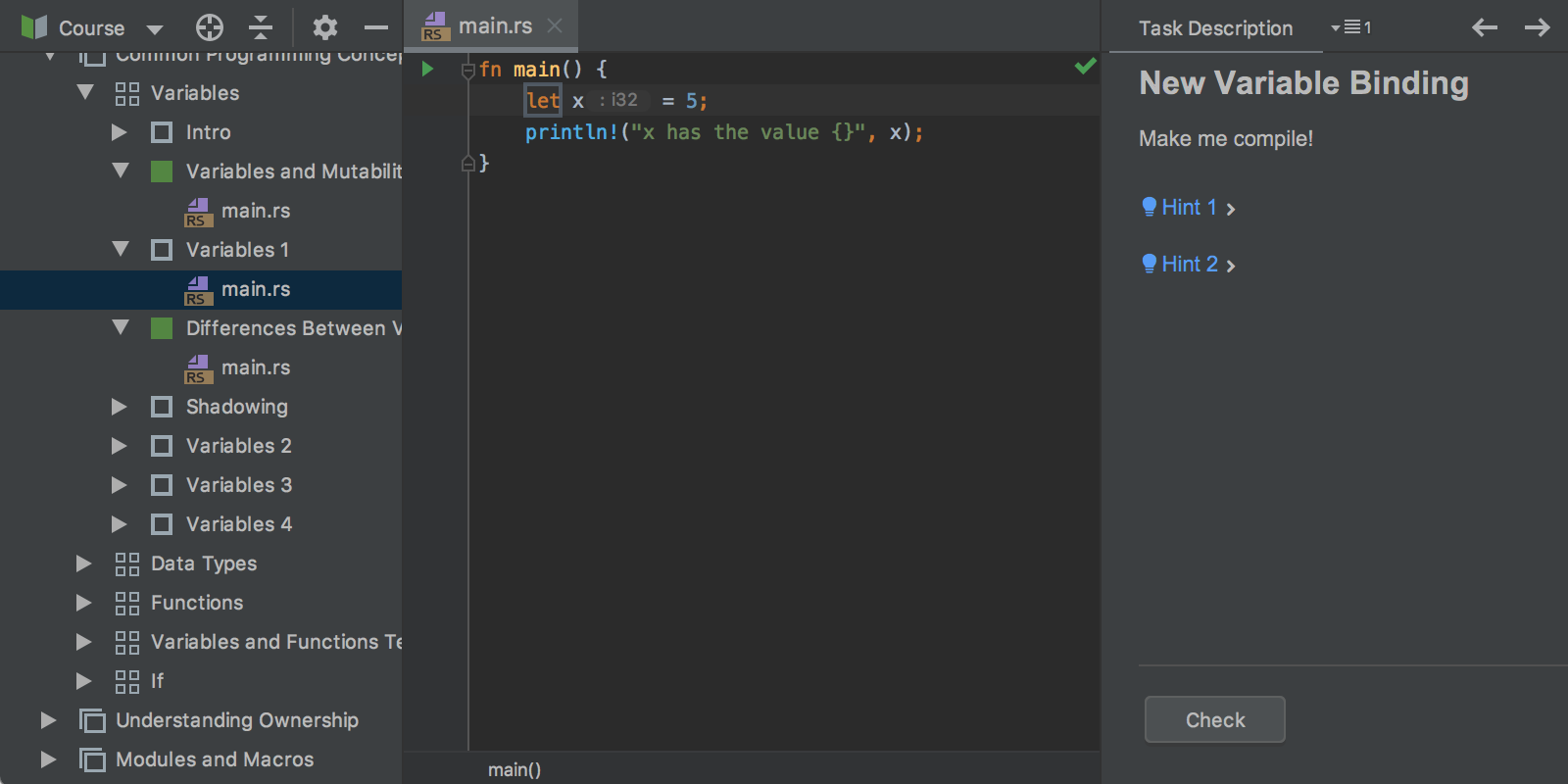
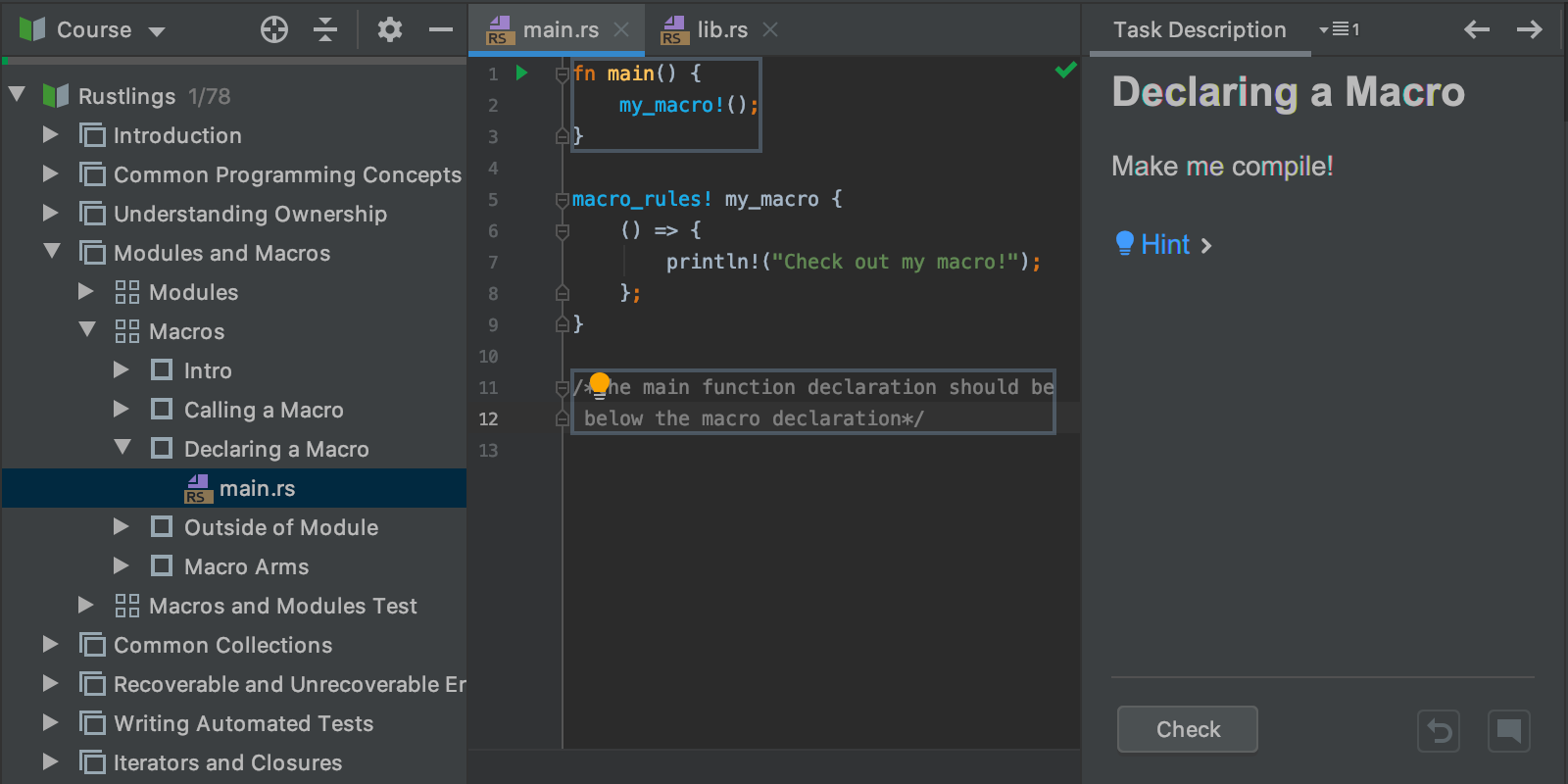

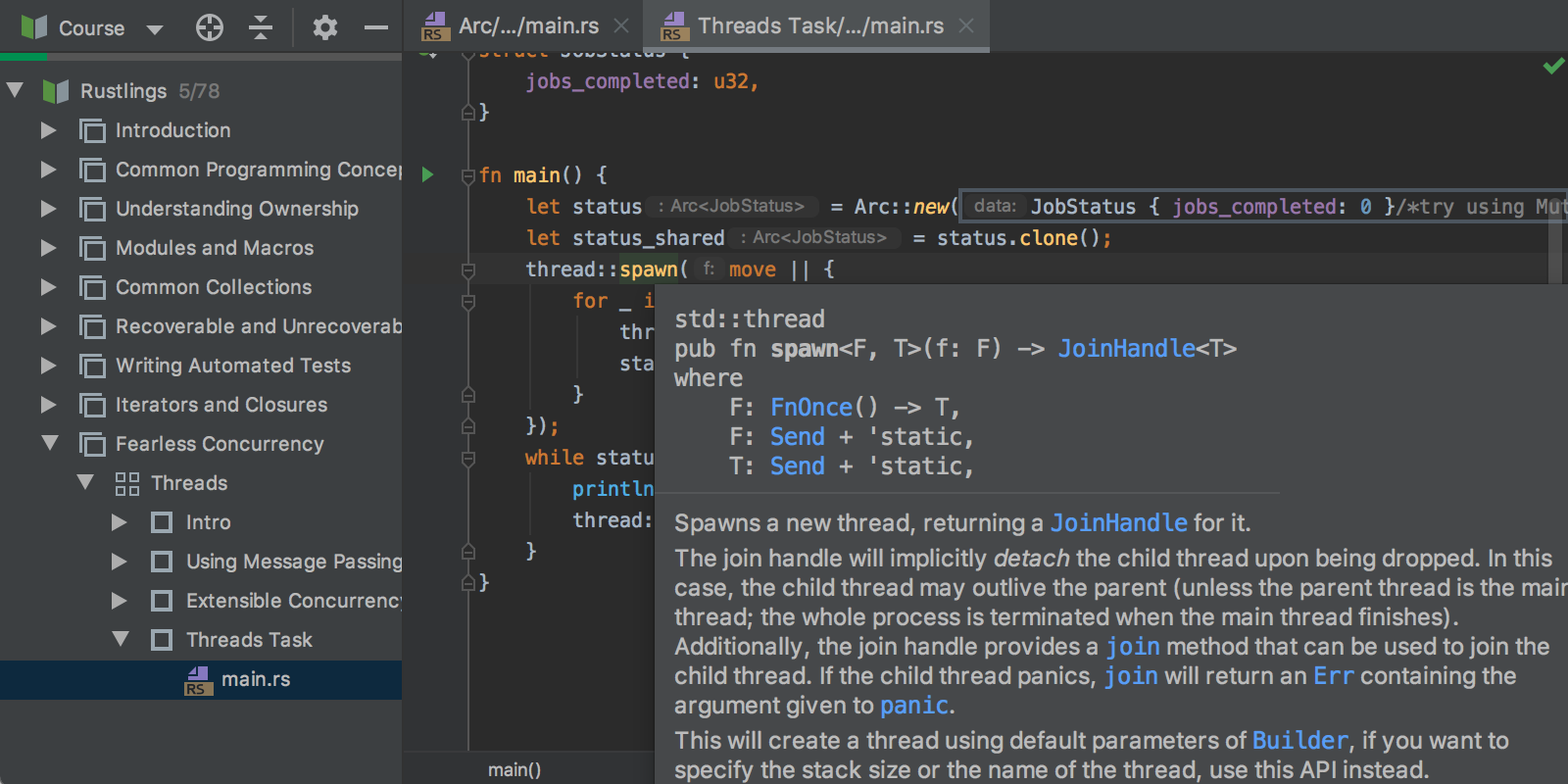
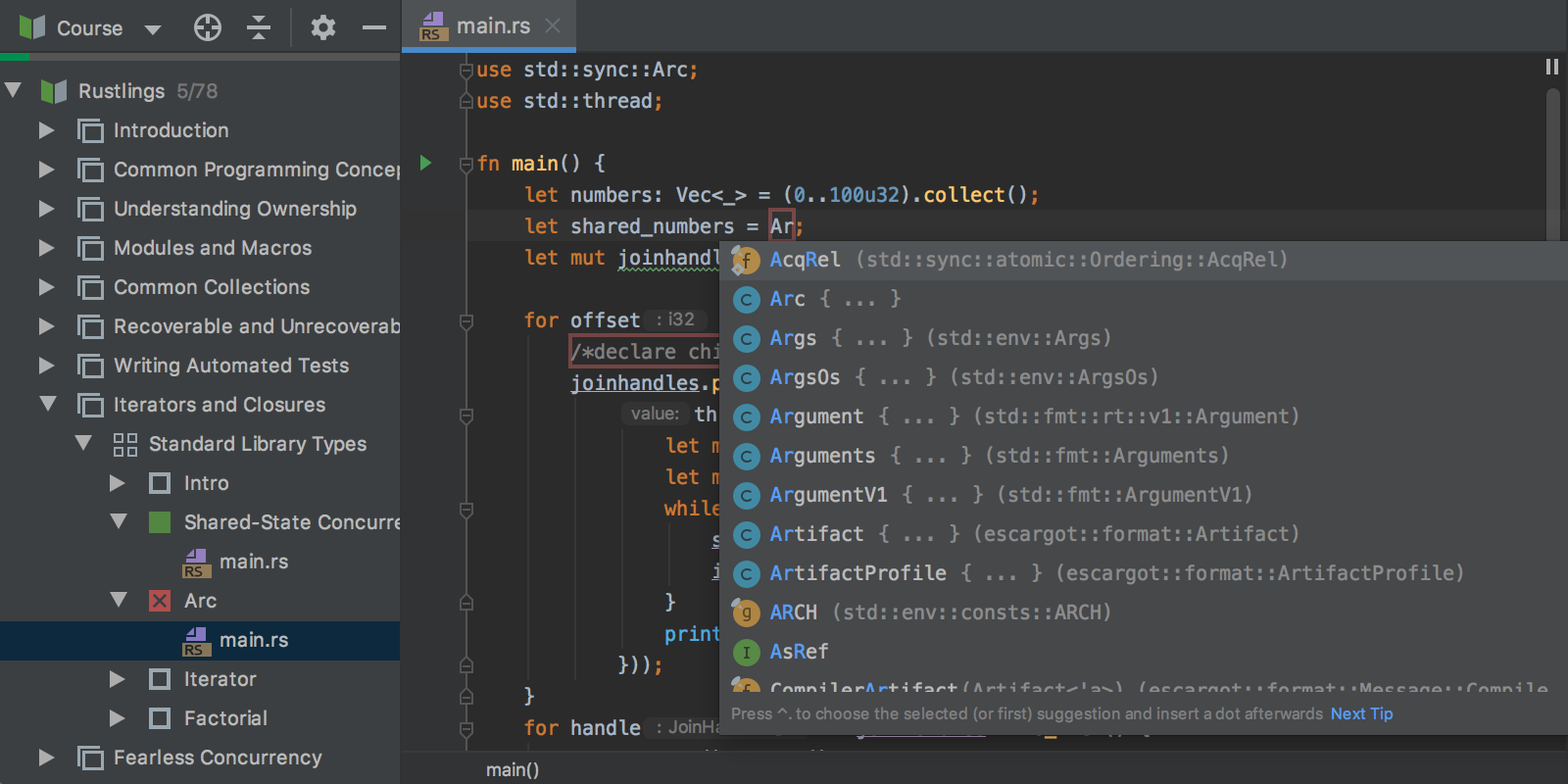
The adaptation is not only meant to carefully recreate the experience of learning Rust provided by the original course, but also introduces you to the IntelliJ Rust support capabilities, such as the smart editor, code completion, on-the-go access documentation, refactorings, and much more.
The course is available in CLion with the EduTools and Rust plugins installed. Download CLion bundled with an evaluation license key for a free 30-day trial (also, if you are a student or an academic staff member, you can apply for a free educational license), and install the EduTools and Rust plugins. Alternatively, you can download the free and open source IntelliJ IDEA Edu and install the Rust plugin. Upon completing these steps, go to File | Learn and Teach | Browse Courses. Search for “Rustlings”, and once the course is loaded in the IDE, you’re good to go.
We appreciate any feedback, so please leave your comments here or tweet us. Thank you!
The Educational Products Team