PyCharm 2025.3 – Unified IDE, Jupyter notebooks in remote development, uv as default, and more

We’re excited to announce that PyCharm 2025.3 is here! This release continues our mission to make PyCharm the most powerful Python IDE for web, data, and AI/ML development.
It marks the migration of Community users to the unified PyCharm and brings full support for Jupyter notebooks in remote development, uv as the default environment manager, proactive data exploration, new LSP tools support, the introduction of Claude Agent, and over 300 bug fixes.
Community user migration to the unified PyCharm
As announced earlier, PyCharm 2025.2 was the last major release of the Community Edition. With PyCharm 2025.3, we’re introducing a smooth migration path for Community users to the unified PyCharm.
The unified version brings everything together in a single product – Community users can continue using PyCharm for free and now also benefit from built-in Jupyter support.
With a one-click option to start a free Pro trial, it’s easier than ever to explore PyCharm’s advanced features for data science, AI/ML, and web development.
Learn more in the full What’s New post →

Jupyter notebooks
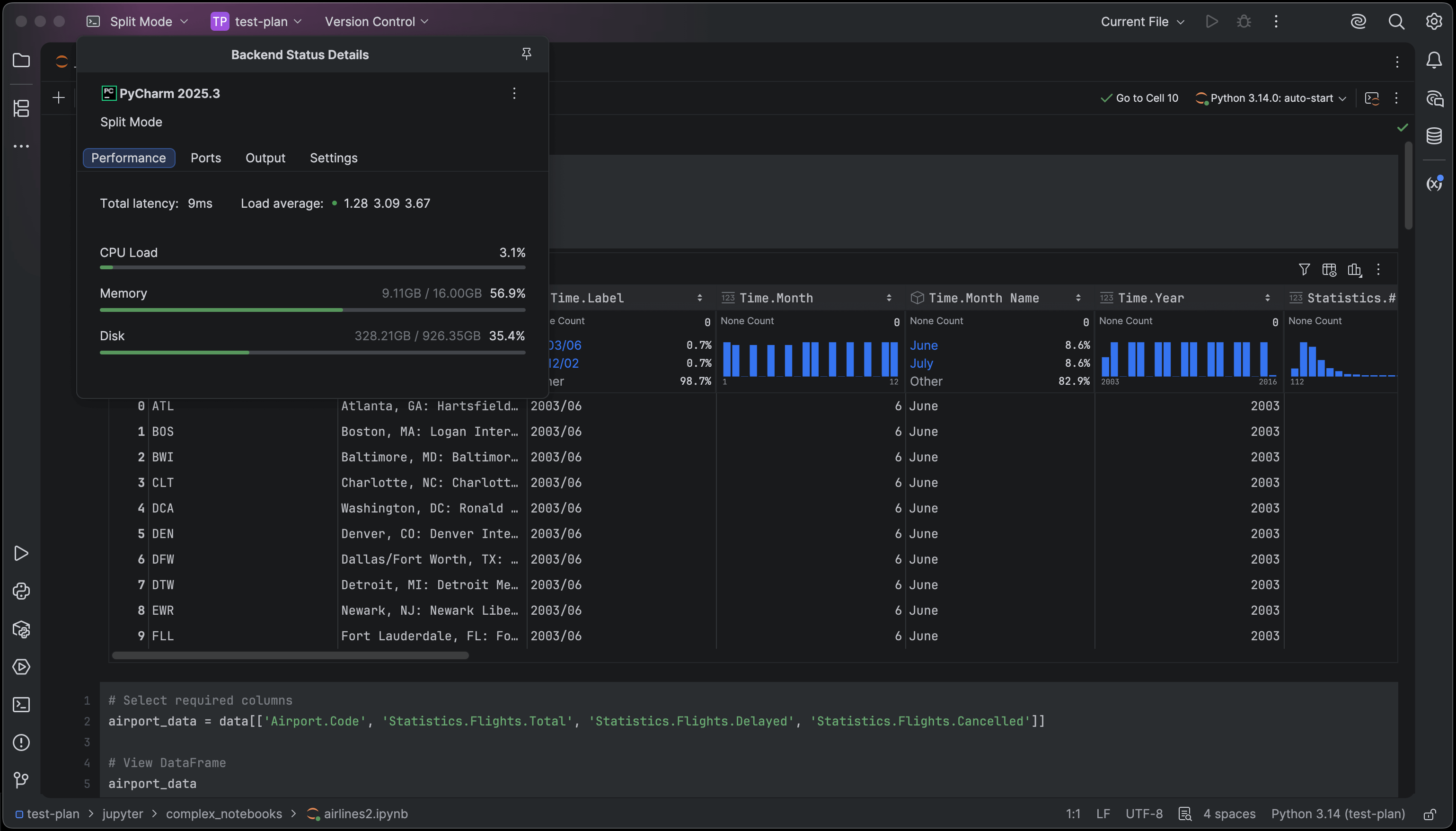
Jupyter notebooks are now fully supported in remote development. You can open, edit, and run notebooks directly on a remote machine without copying them to your local environment.
The Variables tool window also received sorting options, letting you organize notebook variables by name or type for easier data exploration.
Read more about Jupyter improvements →
uv now the default for new projects
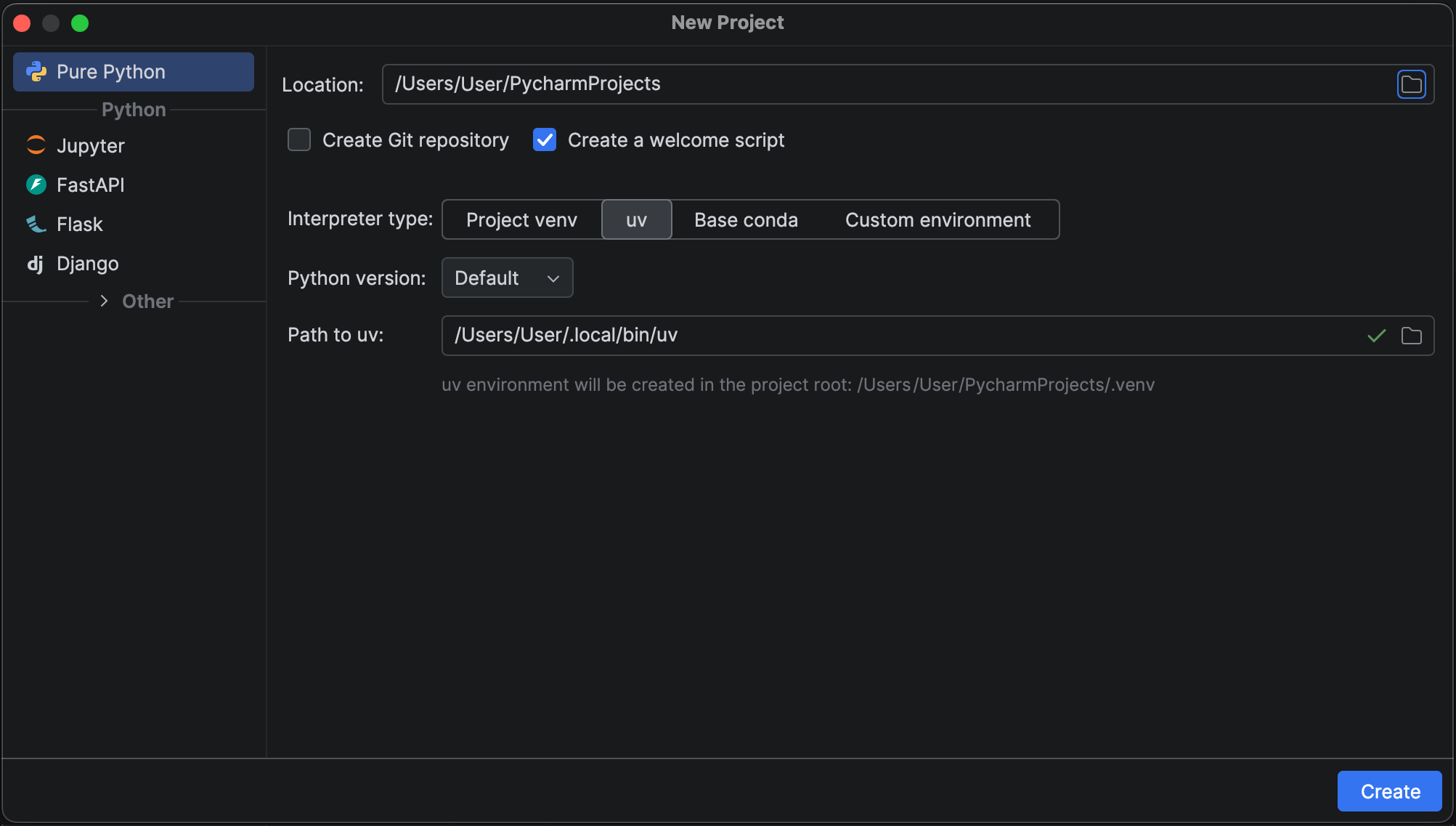
When uv is detected on your system, PyCharm now automatically suggests it as the default environment manager in the New Project wizard.
For projects managed by uv, uv run is also used as the default command for your run configurations.
Proactive data exploration Pro
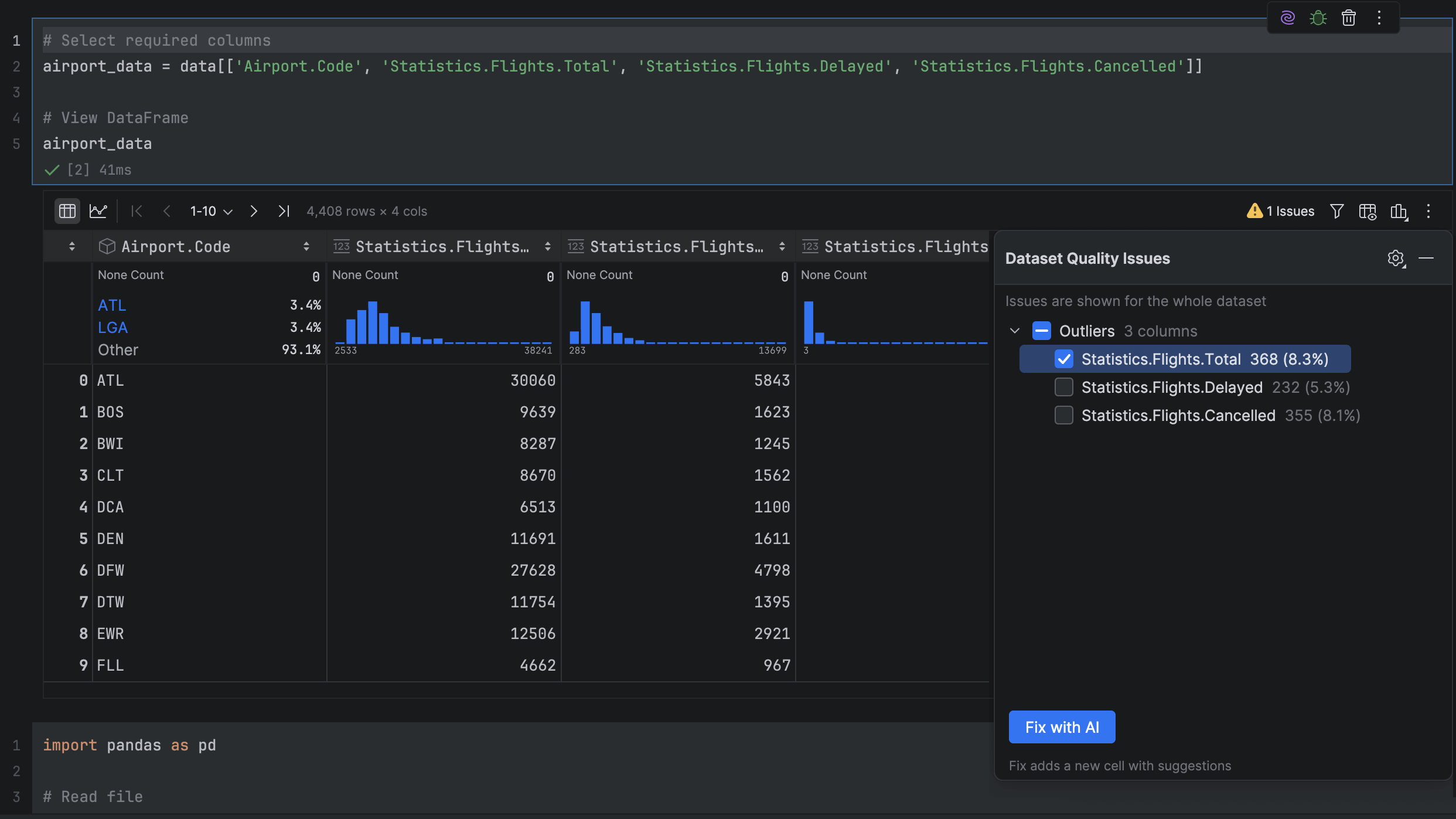
PyCharm now automatically analyzes your pandas DataFrames to detect the most common data quality issues. If any are found, you can review them and use Fix with AI to generate cleanup code automatically.
The analysis runs quietly in the background to keep your workflow smooth and uninterrupted.
Support for new LSP tools
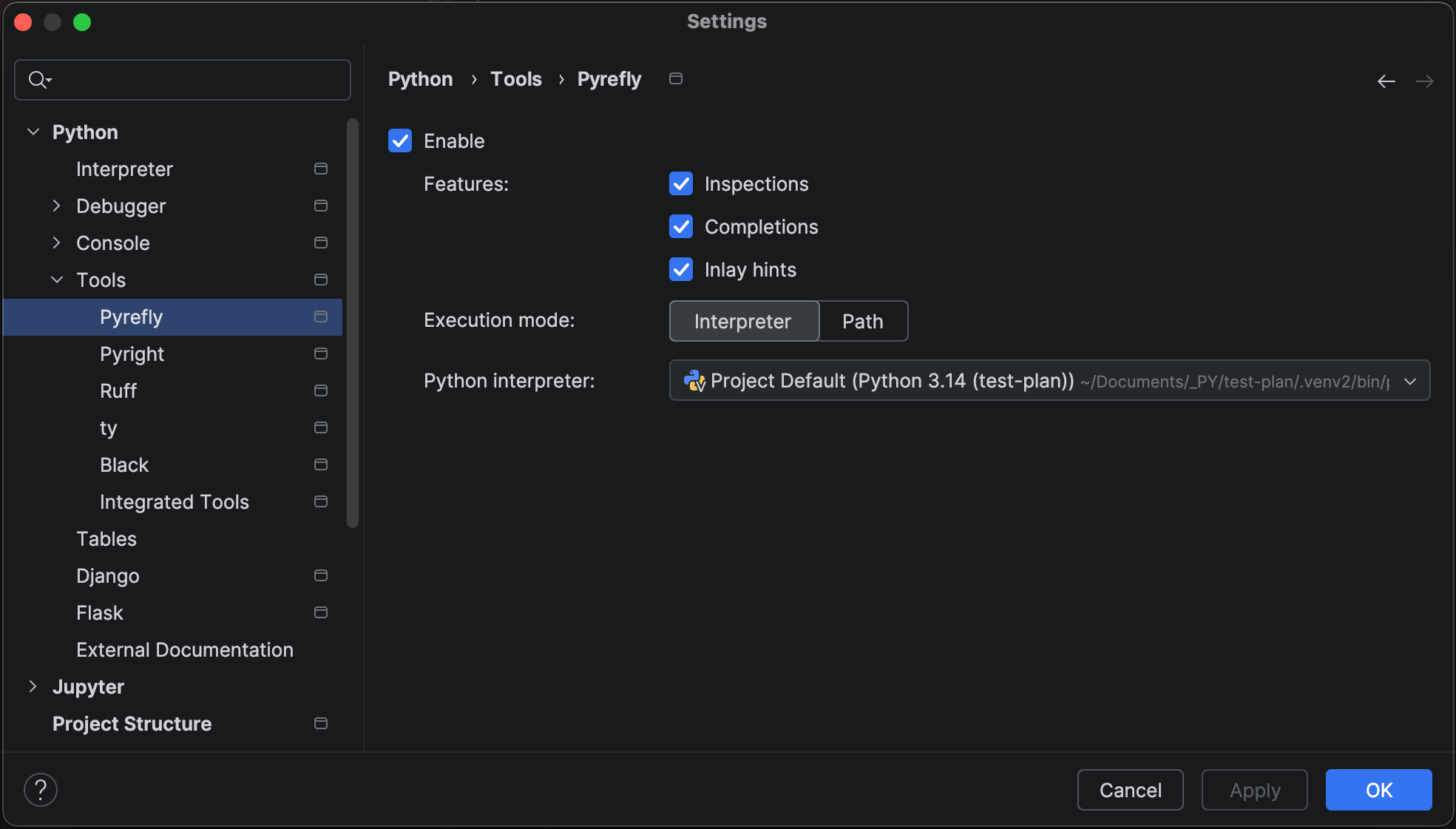
PyCharm 2025.3 expands its LSP integration with support for Ruff, ty, Pyright, and Pyrefly.
These bring advanced formatting, type checking, and inline type hints directly into your workflow.
More on LSP tools.
AI features
Multi-agent experience: Junie and Claude Agent
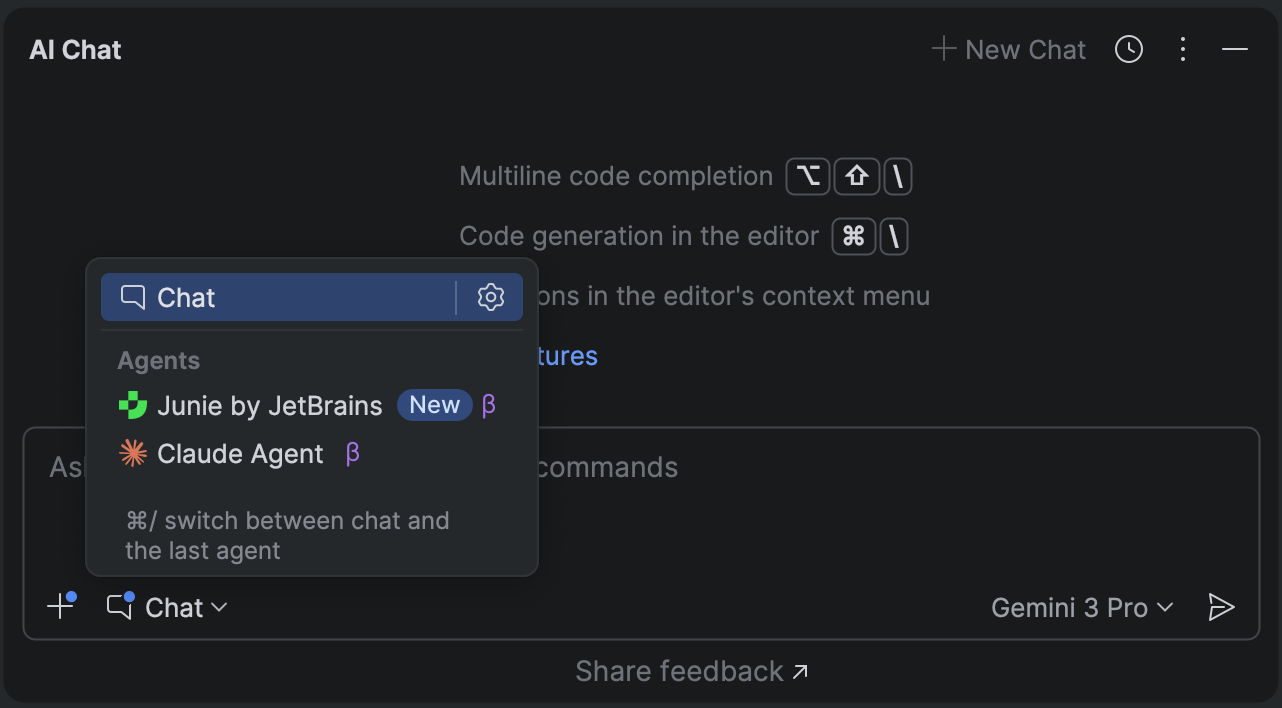
Work with your preferred AI agent from a single chat: Junie by JetBrains and Claude Agent can now be used directly in the AI interface.
Claude Agent is the first third-party AI agent natively integrated into JetBrains IDEs.
Bring Your Own Key (BYOK) is coming soon to JetBrains AI
BYOK will let you connect your own API keys from OpenAI, Anthropic, or any OpenAI API-compatible local model, giving you more flexibility and control over how you use AI in JetBrains IDEs.
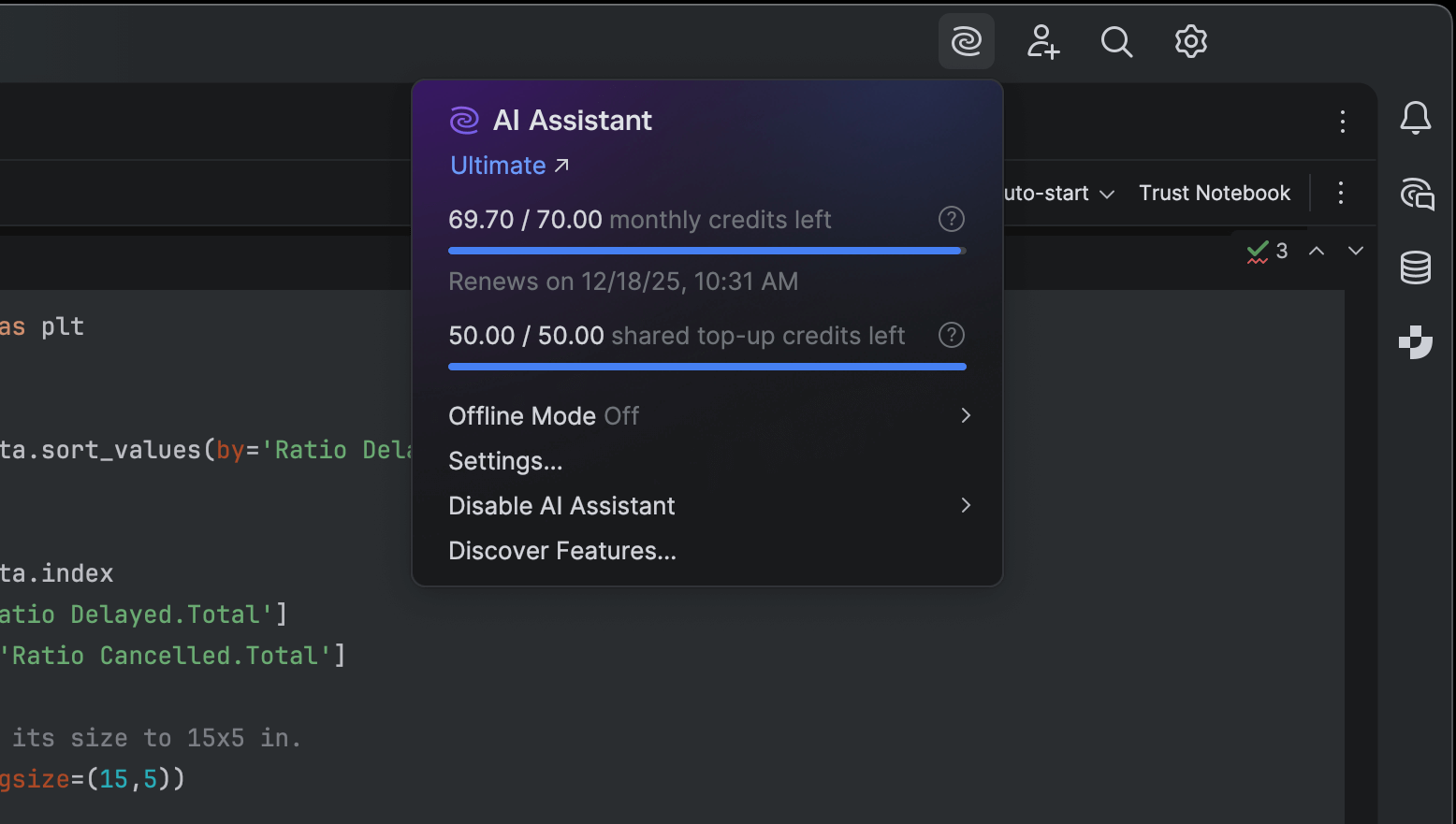
Transparent in-IDE AI quota tracking
Monitoring and managing your AI resources just got a lot easier, as you can now view your remaining AI Credits, renewal date, and top-up balance directly inside PyCharm.
UIX changes
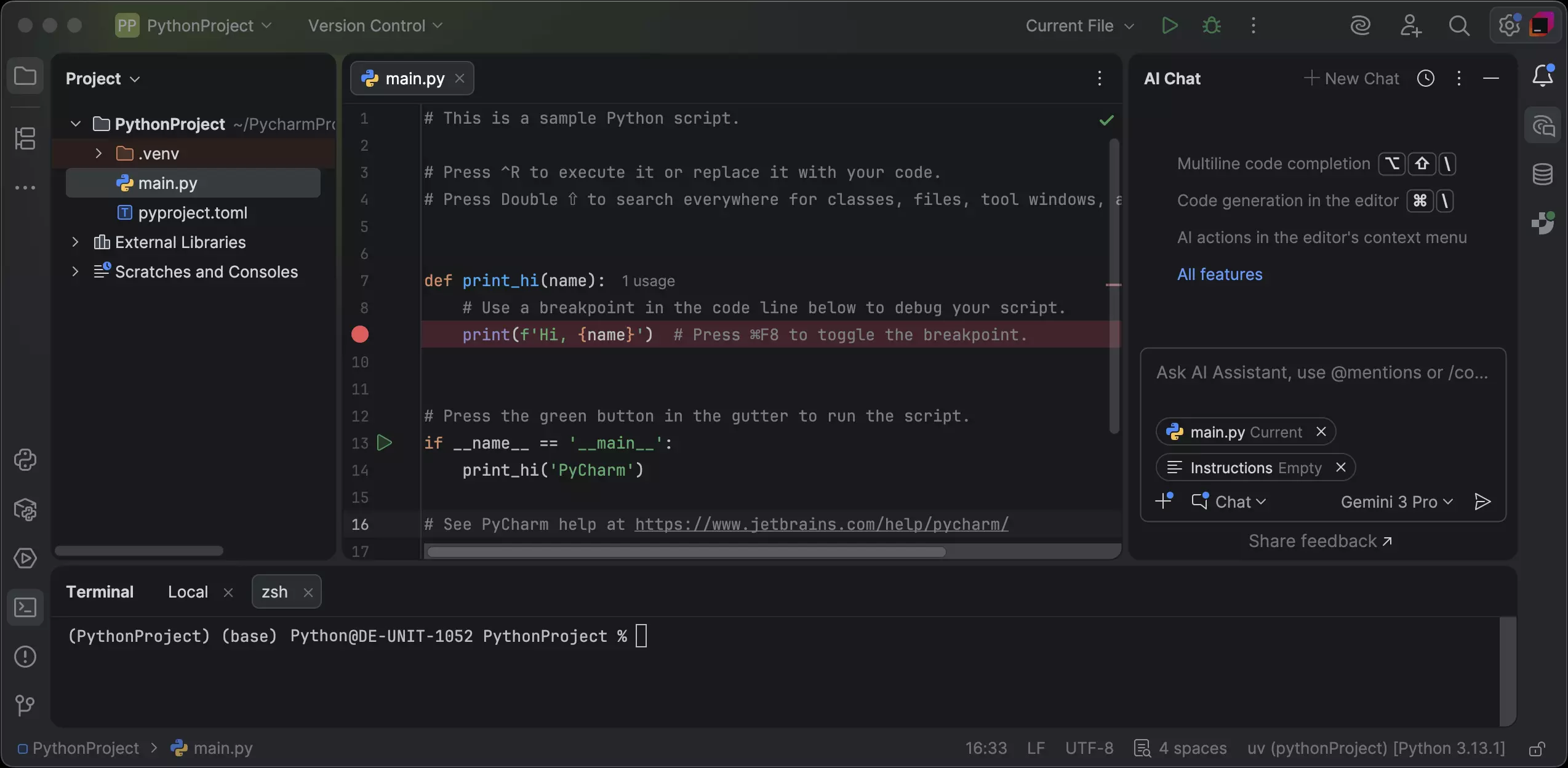
Islands theme
The new Islands theme is now the default for all users, offering improved contrast, balanced layouts, and a softer look in both dark and light modes.
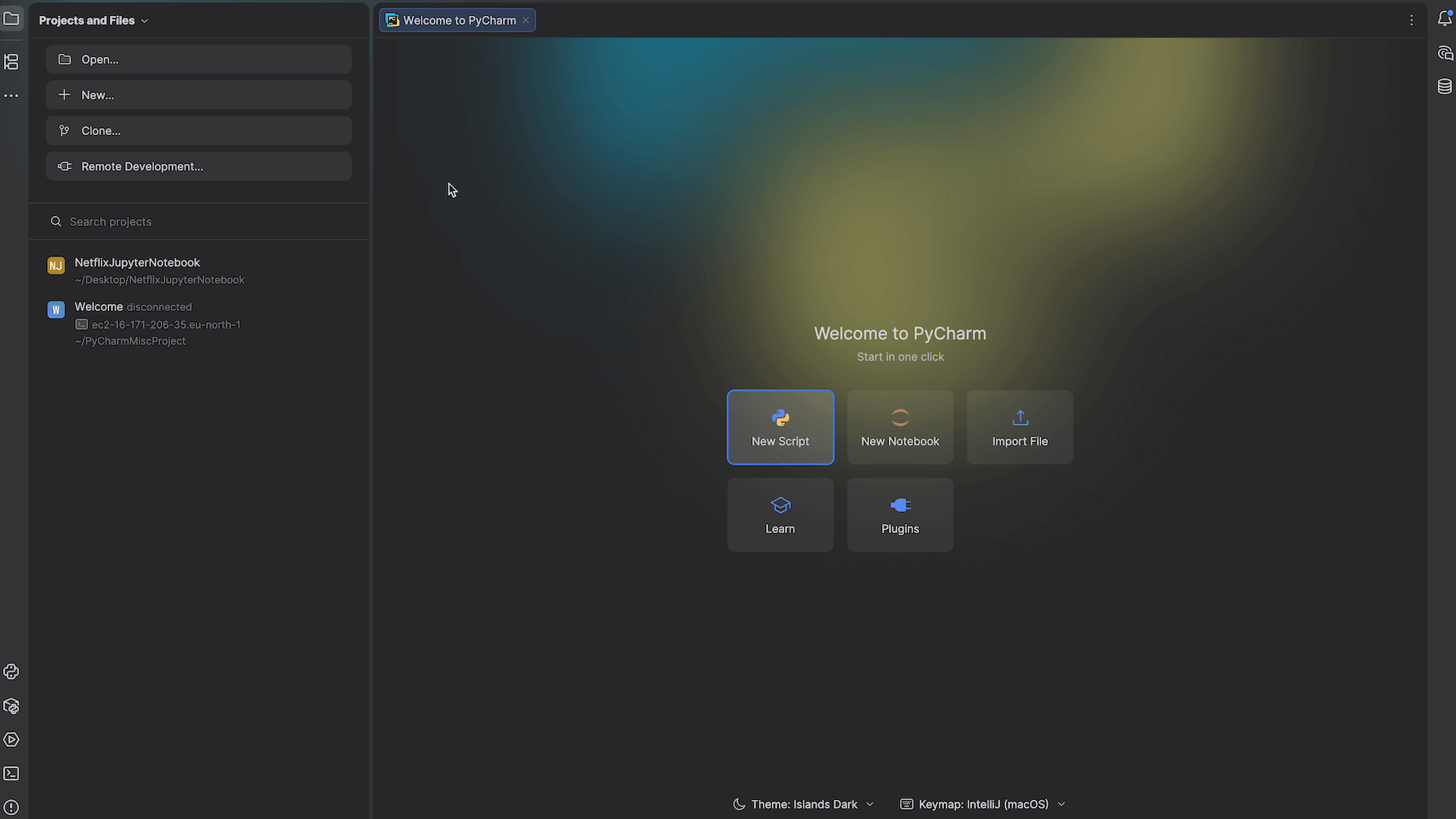
New Welcome screen
We’ve introduced a new non-modal Welcome screen that keeps your most common actions within reach and provides a smoother start to your workflow.
Looking for more?
- Visit our What’s New page to learn about all 2025.3 features and bug fixes.
- Read the release notes for the full breakdown of the changes.
- If you encounter any problems, please report them via our issue tracker so we can address them promptly.
We’d love to hear your feedback on PyCharm 2025.3 – leave your comments below or connect with us on X and BlueSky.